1
CHAPTER 14 | Security Measures
Configuring 802.1X Port Authentication
ES-2000 Series
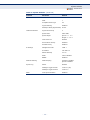
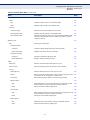
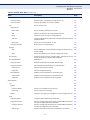
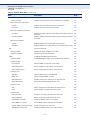
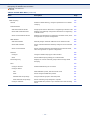
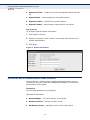
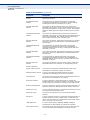
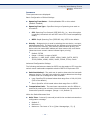
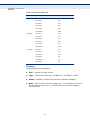
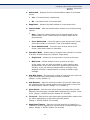
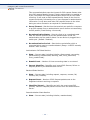
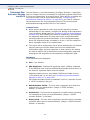
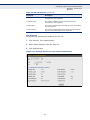
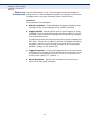
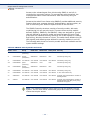
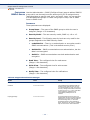
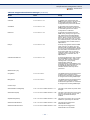
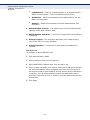
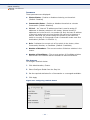
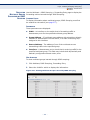
Table 18: 802.1X Statistics (Continued)
Parameter
Description
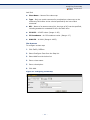
Tx EAPOL Start
The number of EAPOL Start frames that have been
transmitted by this Supplicant.
Tx EAPOL Logoff
The number of EAPOL Logoff frames that have been
transmitted by this Supplicant.
Tx EAP Req/Id
The number of EAP Req/Id frames that have been transmitted
by this Supplicant.
Tx EAP Req/Oth
The number of EAP Request frames (other than Rq/Id frames)
that have been transmitted by this Supplicant.
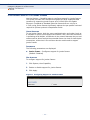
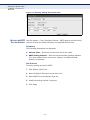
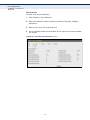
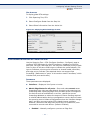
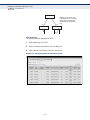
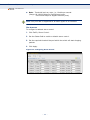
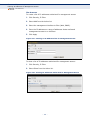
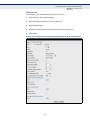
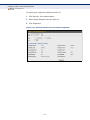
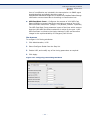
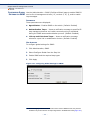
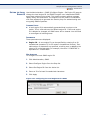
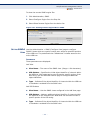
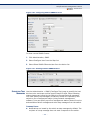
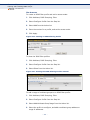
WEB INTERFACE
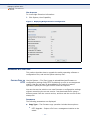
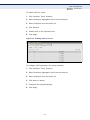
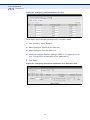
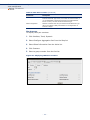
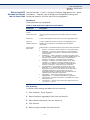
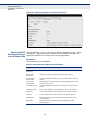
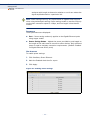
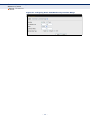
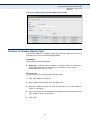
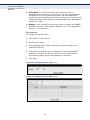
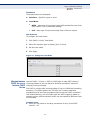
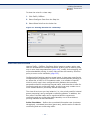
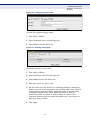
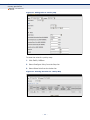
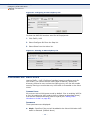
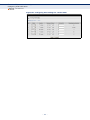
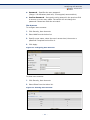
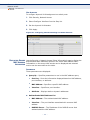
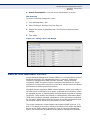
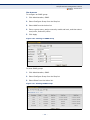
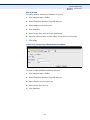
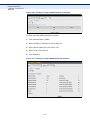
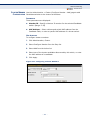
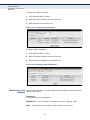
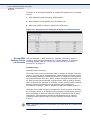
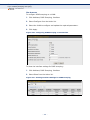
To display port authenticator statistics for 802.1X:
1. Click Security, Port Authentication.
2. Select Show Statistics from the Step list.
3. Click Authenticator.
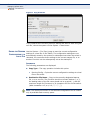
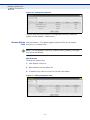
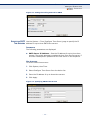
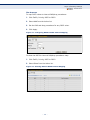
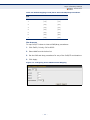
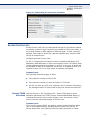
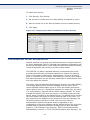
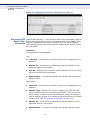
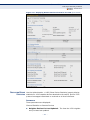
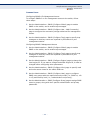
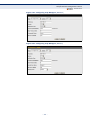
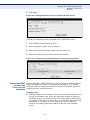
Figure 115: Showing Statistics for 802.1X Port Authenticator
– 199 –