1
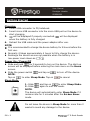
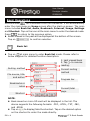
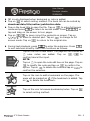
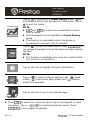
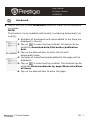
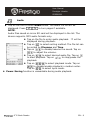
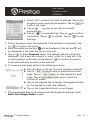
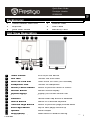
User Manual Prestigio Libretto PER5062B Restoring to Factory Default Settings Reset the device by pressing Reset Button when the device fails to start up or function properly. Using a micro SD Card (Not Included) Insert the micro SD card into the micro SD card slot. The device supports micro SD card and micro SDHC card only. Connect the device and notebook or PC with the included USB cable. Tap on when prompted to use the device as a mass storage or tap on to cancel. NOTE: Inserting micro SD card also activates the mass storage device. Using the Touch Screen Gently tap on the screen to select an option or to perform a function. Tap and drag on the screen to scroll up/down. Tap and drag on the screen to turn pages. Using the On-Screen Keypad Tap on to toggle between upper/lower cases. Tap on to toggle among letter/number/symbol input methods. Tap on to delete a letter. 6” E-Book Reader EN - 3