1
CHAPTER 15
Working with TreeViews
7
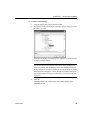
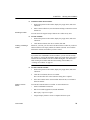
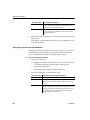
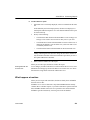
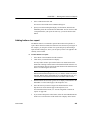
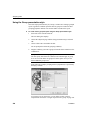
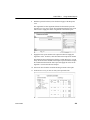
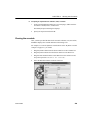
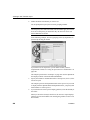
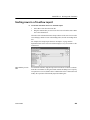
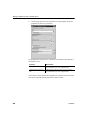
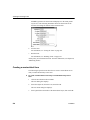
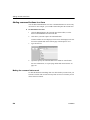
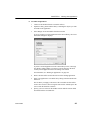
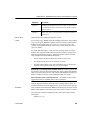
Click Next.
8
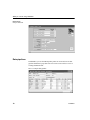
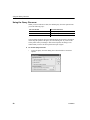
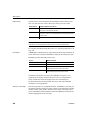
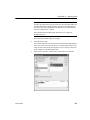
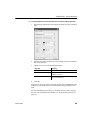
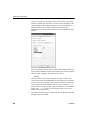
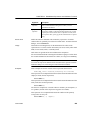
Modify the default color and border settings if needed, and then click
Next.
9
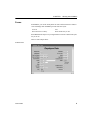
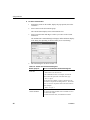
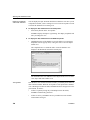
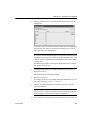
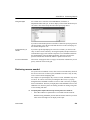
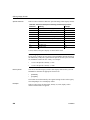
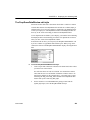
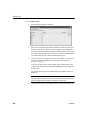
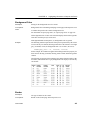
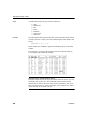
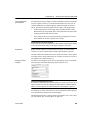
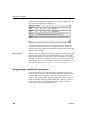
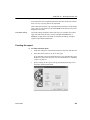
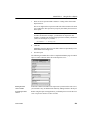
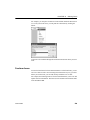
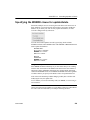
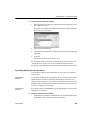
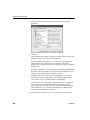
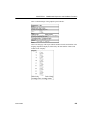
Review the TreeView report characteristics.
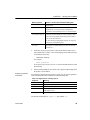
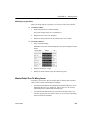
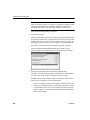
10 Click Finish.
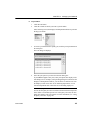
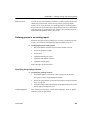
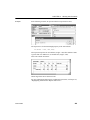
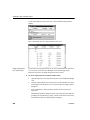
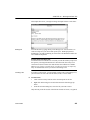
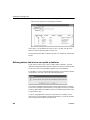
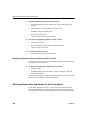
The report painter Design view displays. For information about the Design
view, see “TreeView report Design view” on page 464. For information about
adding additional levels, see “Adding and deleting TreeView levels” on page
461.
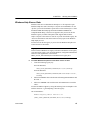
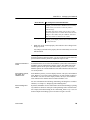
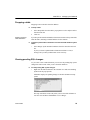
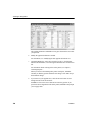
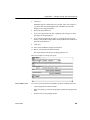
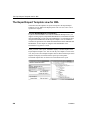
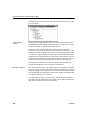
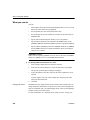
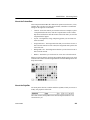
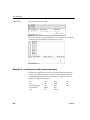
What InfoMaker does
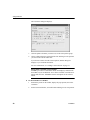
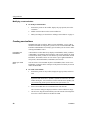
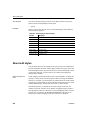
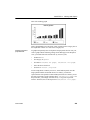
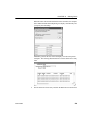
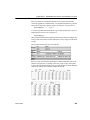
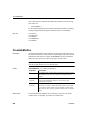
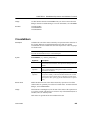
As a result of your specifications, InfoMaker generates a TreeView report and
creates:
•
A TreeView header band with controls that include the heading text of the
detail band columns
•
The first TreeView level band with the TreeView level columns you chose
in the wizard
•
The detail (leaf node) band that includes all the column controls except for
first-level columns you selected in the wizard
•
A level 1 trailer band.
•
A summary band, and a footer band.
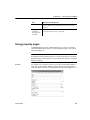
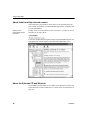
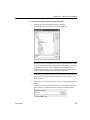
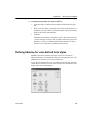
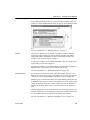
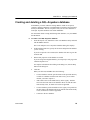
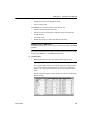
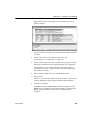
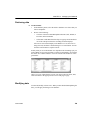
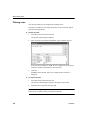
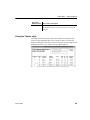
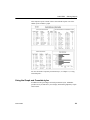
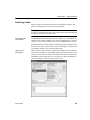
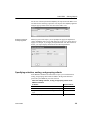
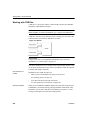
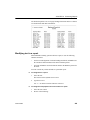
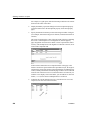
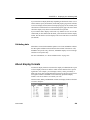
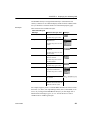
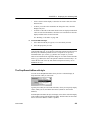
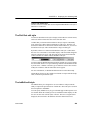
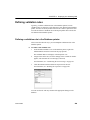
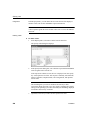
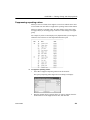
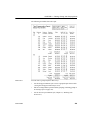
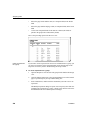
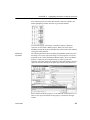
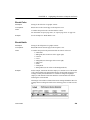
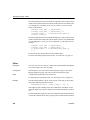
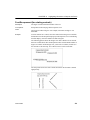
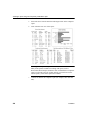
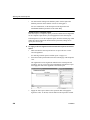
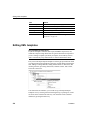
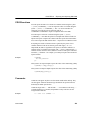
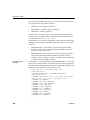
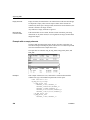
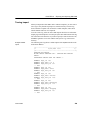
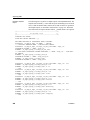
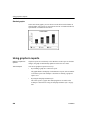
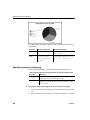
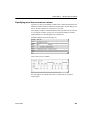
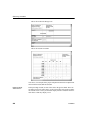
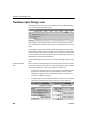
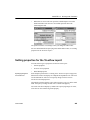
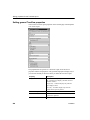
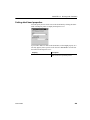
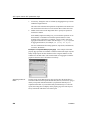
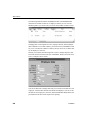
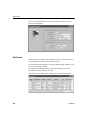
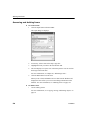
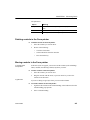
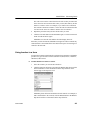
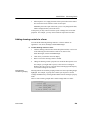
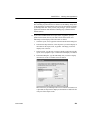
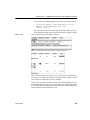
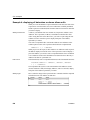
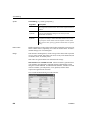
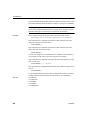
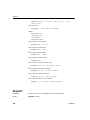
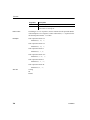
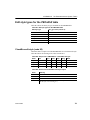
Here is the sample TreeView report in the Design view:
Users Guide
459