1
CHAPTER 24 DataWindow Expression and InfoMaker Functions
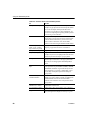
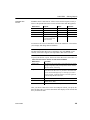
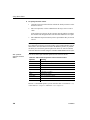
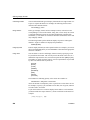
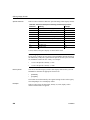
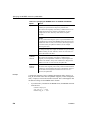
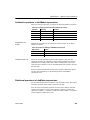
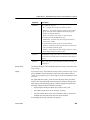
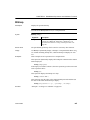
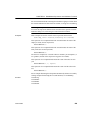
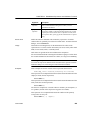
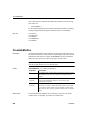
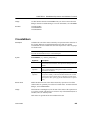
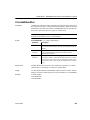
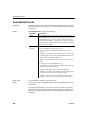
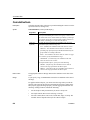
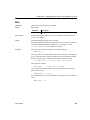
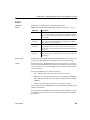
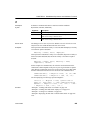
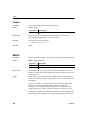
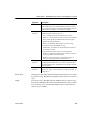
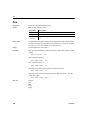
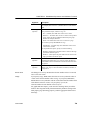
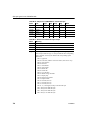
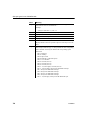
Argument
Description
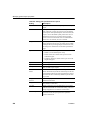
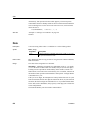
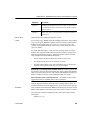
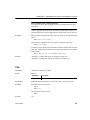
column
The column for which you want the minimum value. Column can
be the column name or the column number preceded by a pound
sign (#). Column can also be an expression that includes a reference
to the column. The datatype of column must be numeric.
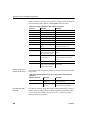
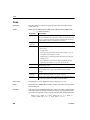
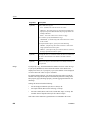
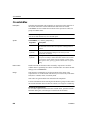
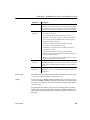
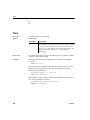
The data that will be included in the minimum. For most
presentation styles, values for range are:
FOR range
(optional)
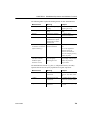
• ALL – (Default) The minimum of all values in column.
• GROUP n – The minimum of values in column in the specified
group. Specify the keyword GROUP followed by the group
number: for example, GROUP 1.
• PAGE – The minimum of the values in column on a page.
For Crosstabs, specify CROSSTAB for range:
• CROSSTAB – (Crosstabs only) The minimum of all values in
column in the crosstab.
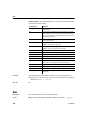
For Graph and OLE objects, specify one of the following:
• GRAPH – (Graphs only) The minimum of values in column in
the range specified for the Rows option.
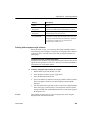
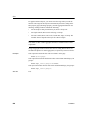
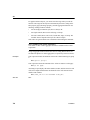
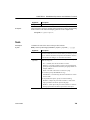
DISTINCT
(optional)
expresn
(optional)
• OBJECT – (OLE objects only) The minimum of values in
column in the range specified for the Rows option.
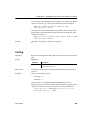
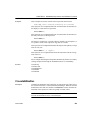
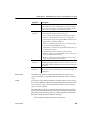
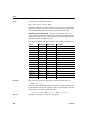
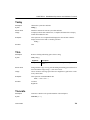
Causes Min to consider only the distinct values in column when
determining the minimum value. For a value of column, the first
row found with the value is used and other rows that have the same
value are ignored.
One or more expressions that you want to evaluate to determine
distinct rows. Expresn can be the name of a column, a function, or
an expression.
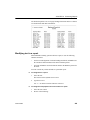
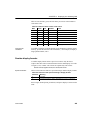
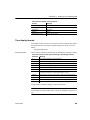
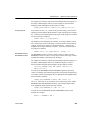
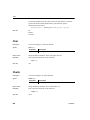
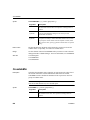
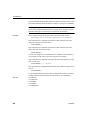
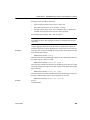
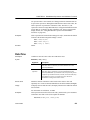
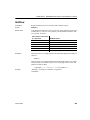
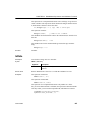
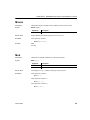
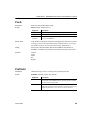
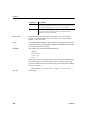
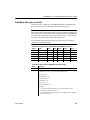
Return value
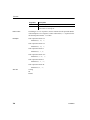
The datatype of the column. Returns the minimum value in the rows of column.
If you specify range, Min returns the minimum value in the rows of column in
range.
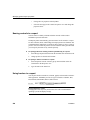
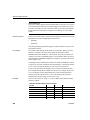
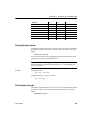
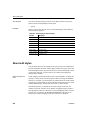
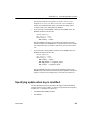
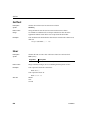
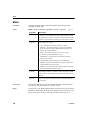
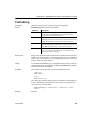
Usage
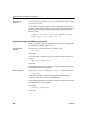
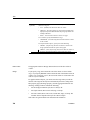
If you specify range, Min determines the minimum value in column in range.
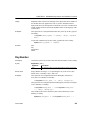
If you specify DISTINCT, Min returns the minimum distinct value in column,
or if you specify expresn, the minimum distinct value in column where the
value of expresn is distinct.
Users Guide
711