1
Using Bluetooth 3 - 25
5.
Tap OK.
6.
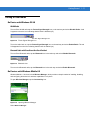
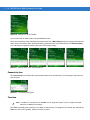
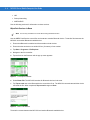
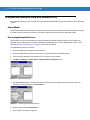
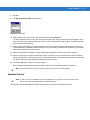
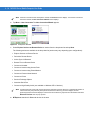
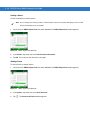
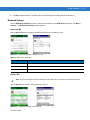
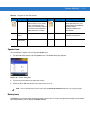
Tap OK to send the contact to the other device and display a confirmation dialog box on the other device to
accept the contact. A Send Contact dialog appears.
7.
Tap Ok.
Swapping Contacts
To swap contacts with another device:
NOTE
Prior to swapping contacts, a default contact must be set up before attempting to send a contact.
Ensure that the MC31XX is connectable.
1.
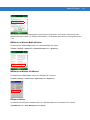
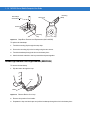
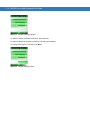
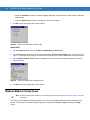
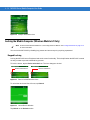
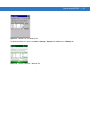
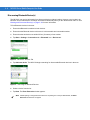
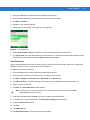
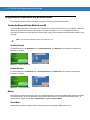
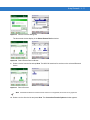
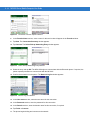
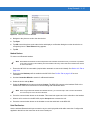
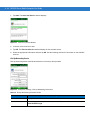
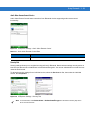
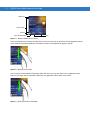
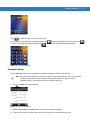
Tap and hold on OBEX Object Push and select Connect. The OBEX Object Push window appears.
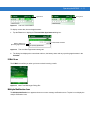
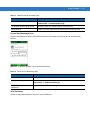
Figure 3-34 OBEX Object Push Window
2.
In the Action: drop-down list, select Swap Contact Information.
3.
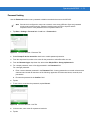
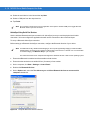
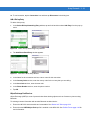
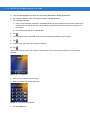
Tap
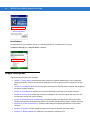
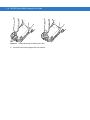
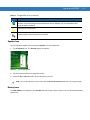
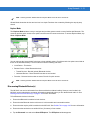
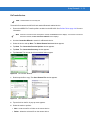
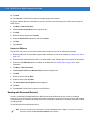
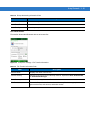
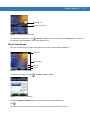
. The Select Contact Entry window appears.
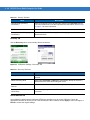
Figure 3-35 Select Contact Entry Window
4.
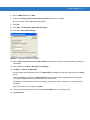
Select a contact to send to the other device.
5.
Tap OK.
6.
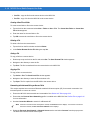
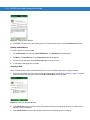
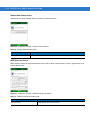
Tap OK to swap contacts with the other device and display a confirmation dialog box on the other device to
accept the contact.
7.
Tap Ok.