1
8.
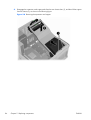
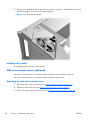
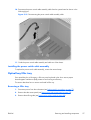
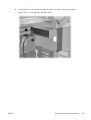
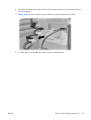
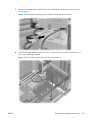
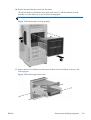
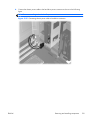
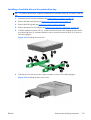
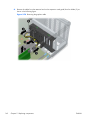
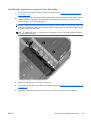
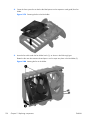
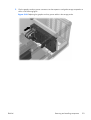
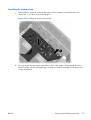
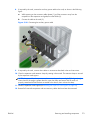
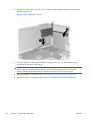
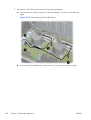
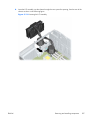
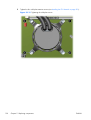
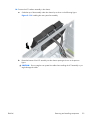
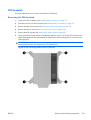
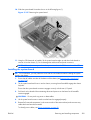
Connect the chassis power cable to the slot load optical drive power cable.
Figure 5-57 Connecting chassis and slot load optical drive power cables
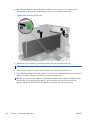
9.
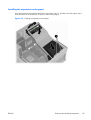
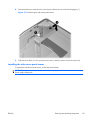
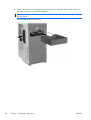
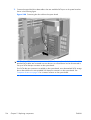
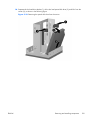
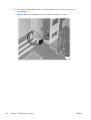
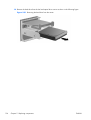
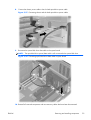
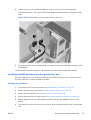
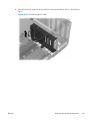
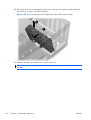
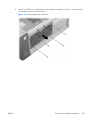
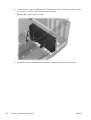
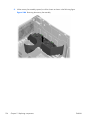
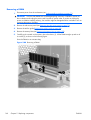
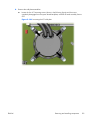
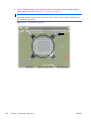
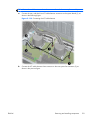
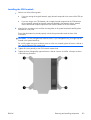
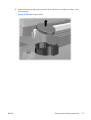
Reconnect the optical disk drive data cable to the system board.
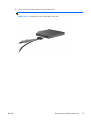
NOTE: The optical disk drive power/data cable is still connected to the optical disk drive.
Figure 5-58 Connecting optical disk drive data cable to system board
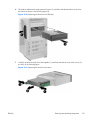
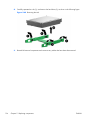
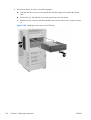
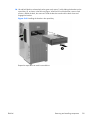
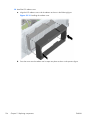
10. Reinstall all removed components and reconnect any cables that have been disconnected.
ENWW
Removing and installing components
131