1
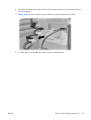
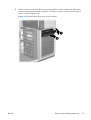
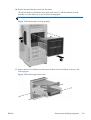
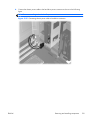
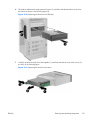
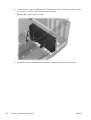
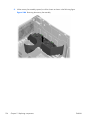
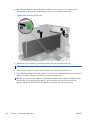
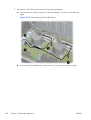
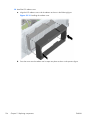
10. Remove the optical bay slot carrier from the chassis.
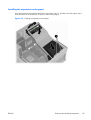
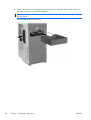
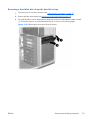
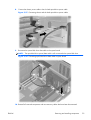
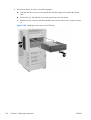
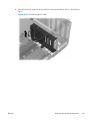
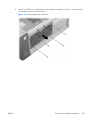
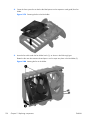
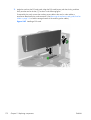
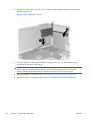
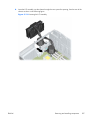
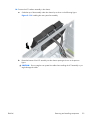
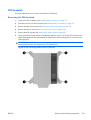
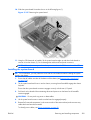
Lift and hold the drive release latch at the green touch point (1), and then slide the slot load
assembly out of the chassis (2), as shown in the following figure.
TIP: Push on the slot load assembly from the inside of the chassis.
Figure 5-49 Removing the slot load assembly
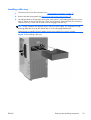
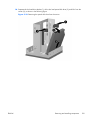
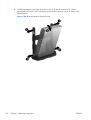
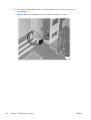
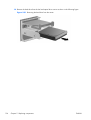
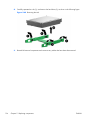
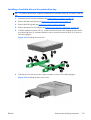
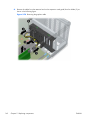
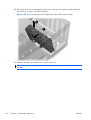
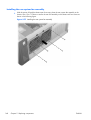
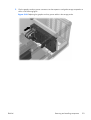
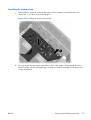
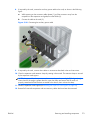
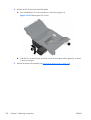
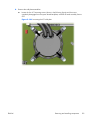
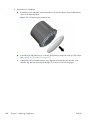
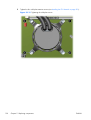
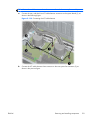
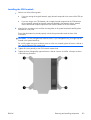
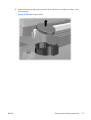
11. Remove the four Torx slotted screws that secure the drive in the slot load bay as shown in the
following figure.
Figure 5-50 Removing the drive screws
ENWW
Removing and installing components
125