1
Full Manual MD-270
Photo Control Options
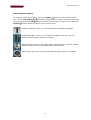
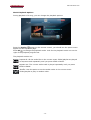
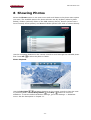
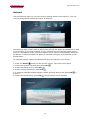
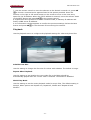
To view the photo control tool icons, press the Option
button on the remote
control unit. Use the left/right
navigation buttons on the remote control to
button to select the tool you want to use.
move the selector and press the OK
Press the Option
button again to hide the photo tool icons and revert to the
standard viewpoint.
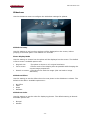
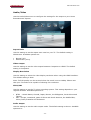
Rotate the photo 90° Degrees to the right.
Rotate the photo 90° Degrees to the left.
Rotate the photo 180° Degrees.
Zoom into the photo.
Zoom out of the photo.
Pan across the photo while zoomed in. You can use the Arrow
buttons to pan up/down/left/right.
- 21 -