1
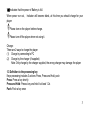
When marched lyric available:
Press and hold MENU to enter into lyric interface;
Press MENU return to music mode.
5、Voice Recording
Each fold can save up to 99 voice recording files.
5.1, how to enter into it
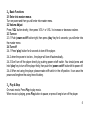
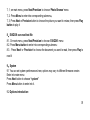
5.1.1, Enter into main menu:
5.1.2, Press next button to choose Record mode
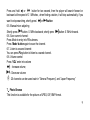
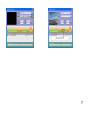
5.1.3, Press Menu button to enter into Record mode, screen will display as following:
5.1.4. Press Play button to start recording.
5.2, Select Record Type
5.2.1. in the interface of „Record „stop
5.2.2. Press Menu button shortly to enter into record submenu
5.2.3. Press „Next‟ button to select „Record type‟ submenu then presses „Menu‟ button to
select it.
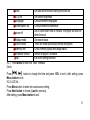
Fine record
wav file,fine quality
Long REC
Fine VOR
act file, normal quality
VOR file, (Recording controlled by voice, pause
7