1
FL SWITCH MM HS
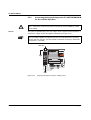
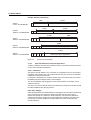
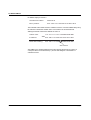
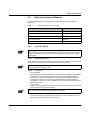
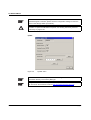
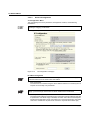
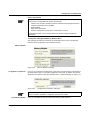
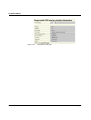
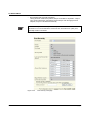
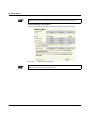
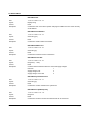
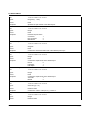
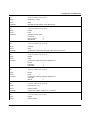
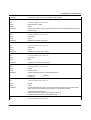
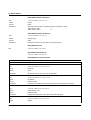
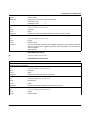
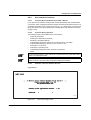
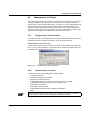
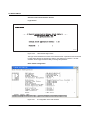
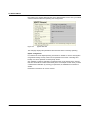
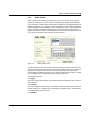
The login screen indicates the version of the firmware used. A password must be entered
to make other settings. By default upon delivery, the password is "private". It is casesensitive. We strongly recommend that you change the password (via SNMP or WBM).
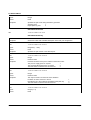
Basic Switch Configuration
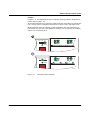
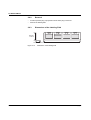
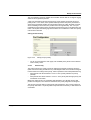
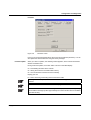
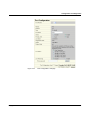
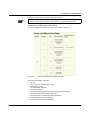
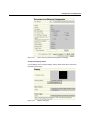
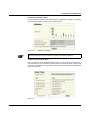
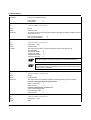
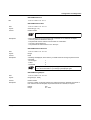
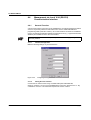
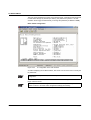
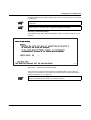
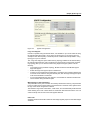
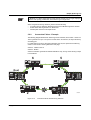
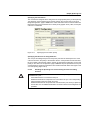
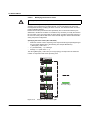
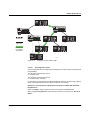
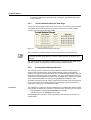
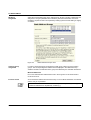
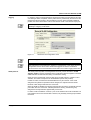
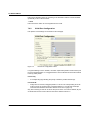
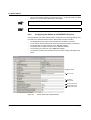
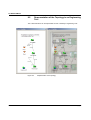
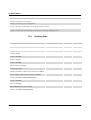
Figure 4-52
IP configuration in the user interface
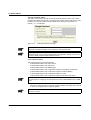
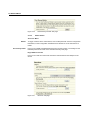
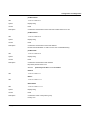
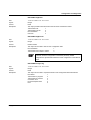
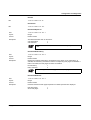
As well as displaying the set MAC address, this screen can be used to view or modify the
IP parameters.
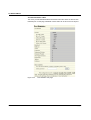
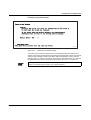
In order to set the IP parameters, the "Static" option must be selected for "IP Parameter
Assignment".
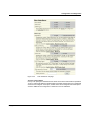
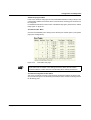
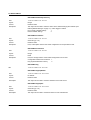
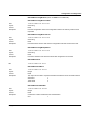
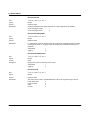
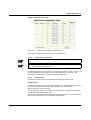
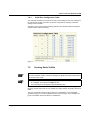
This user interface screen can be used to determine the addressing mechanism or to
trigger a device restart.
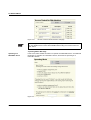
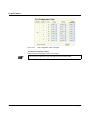
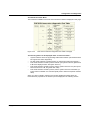
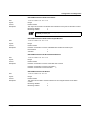
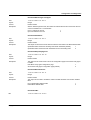
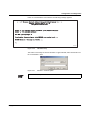
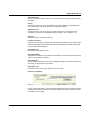
All settings are transferred using "APPLY", but are not saved permanently. Use the
"SAVE" function to save the active configuration settings permanently.
4-118
PHOENIX CONTACT
6874_en_09