1
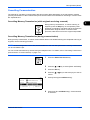
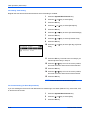
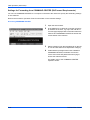
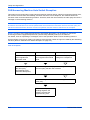
Checking Transmission Results and Registration Status
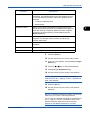
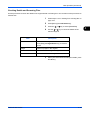
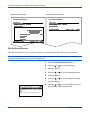
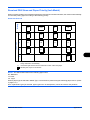
FAX TX Report
FAX RX Report
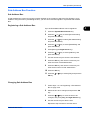
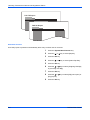
Automatic Printout
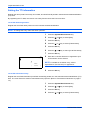
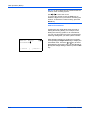
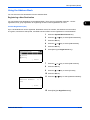
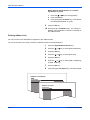
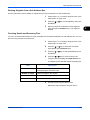
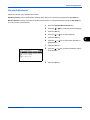
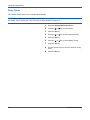
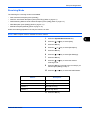
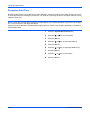
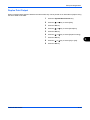
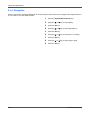
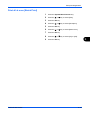
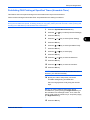
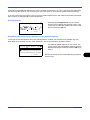
An activity report is printed out automatically after every 50 faxes sent or received.
5-8
1
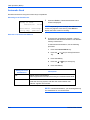
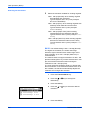
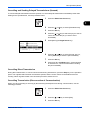
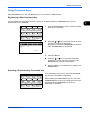
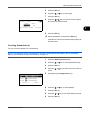
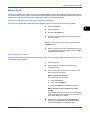
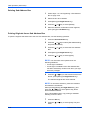
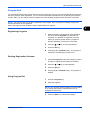
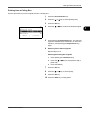
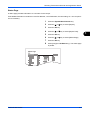
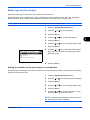
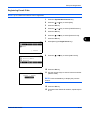
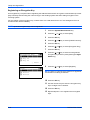
Press the System Menu/Counter key.
2
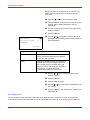
Press the U or V key to select [Report].
3
Press the OK key.
4
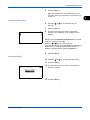
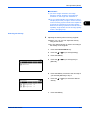
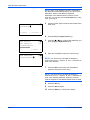
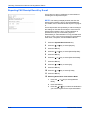
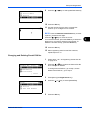
Press the U or V key to select [Admin Rpt Set.].
5
Press the OK key.
6
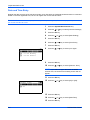
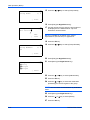
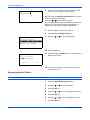
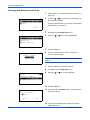
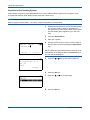
Press the U or V key to select [Outgoing FAX Rpt]
or [Incoming FAX Rpt].
7
Press the OK key.
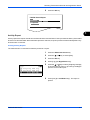
8
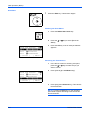
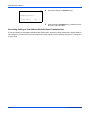
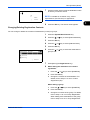
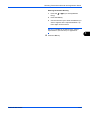
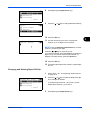
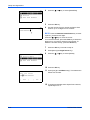
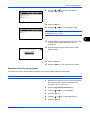
Press the U or V key to select [Off] (not to print) or
[On] (to print).
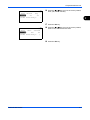
9
Press the OK key.
OPERATION GUIDE