1
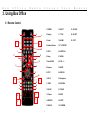
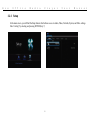
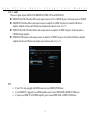
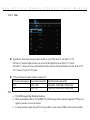
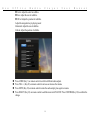
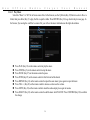
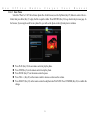
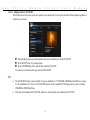
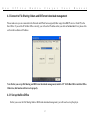
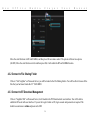
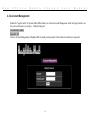
B o 3.2.4 x O f f i c e M e d i a P l a y e r U s e r M a n u a l Browser & Play You can use Box Office to play Music, Photos and Movies by connecting a USB Flash Drive, USB External Drive, NET, UPnP devices on the Network, internal 2.5” drive(see section 2.2). After connecting a USB storage device to Box Office, wait a few seconds, for the USB LED indicator to illuminate. This indicates that the device is been detected by Box Office. You can now browse media files. The USB LED indicator will go off once the USB storage device is removed. Use the Navigation Right/Left (Key 25) buttons on the remote control to browse Music (only), Photo (only), Movie (only) or Browse for All files on the storage device. You can press RETURN (Key 26) at anytime to return to the previous page. Use the Navigation Up/Down (Key 25) buttons on the remote control to select and browse USB, HDD(internal), NET, UPNP or Playlist. You can press RETURN (Key 26) at anytime to return to the previous page. 17