1
BitDefender Internet Security 2010
17. General
The General module provides information on the BitDefender activity and the system.
Here you can also change the overall behavior of BitDefender.
17.1. Dashboard
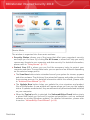
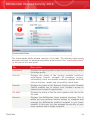
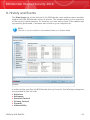
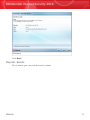
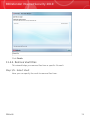
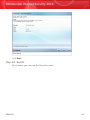
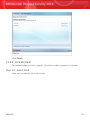
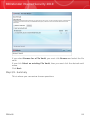
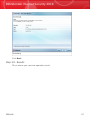
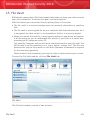
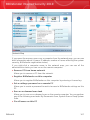
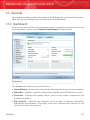
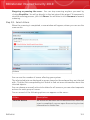
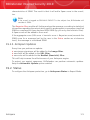
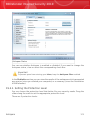
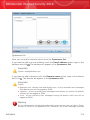
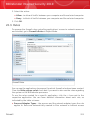
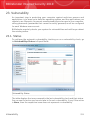
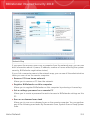
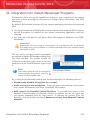
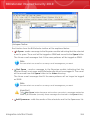
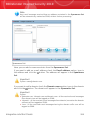
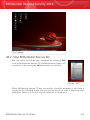
To see if any issues affect your computer, as well as product activity statistics and
your registration status, go to General>Dashboard in Expert Mode.
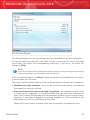
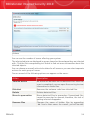
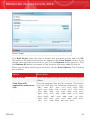
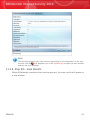
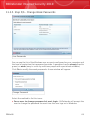
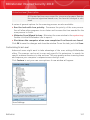
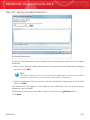
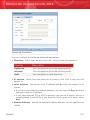
Dashboard
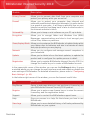
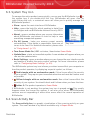
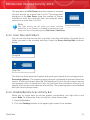
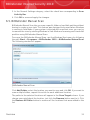
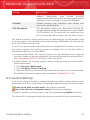
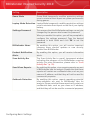
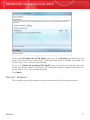
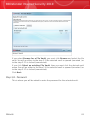
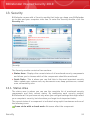
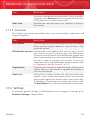
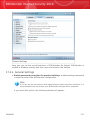
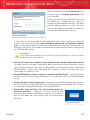
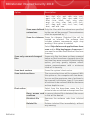
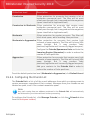
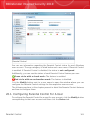
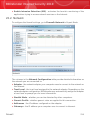
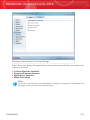
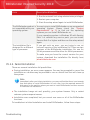
The dashboard consists of several sections:
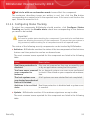
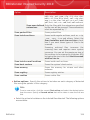
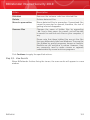
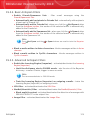
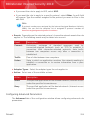
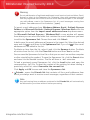
⚫ Overall Status - Informs you of any issues affecting the security of your computer.
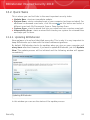
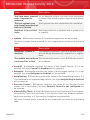
⚫ Statistics - Displays important information regarding the BitDefender activity.
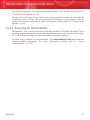
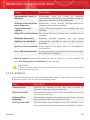
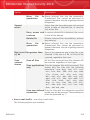
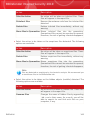
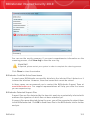
⚫ Overview - Displays the update status, your account status, registration and
license information.
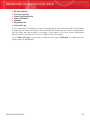
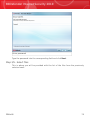
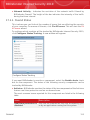
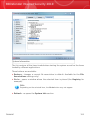
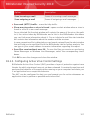
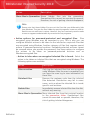
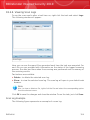
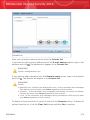
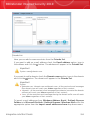
⚫ File Activity - Indicates the evolution of the number of objects scanned by
BitDefender Antimalware. The height of the bar indicates the intensity of the
traffic during that time interval.
General
112