1
BitDefender Internet Security 2010
⚫
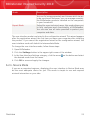
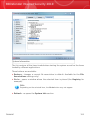
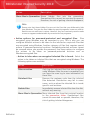
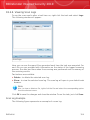
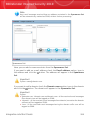
Remove - remove an application from the list.
⚫
Edit - edit an application rule.
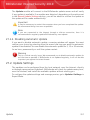
18.1.4. Disabling Real-time Protection
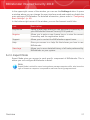
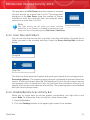
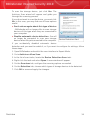
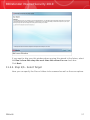
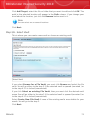
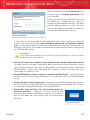
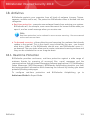
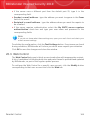
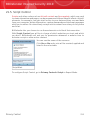
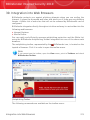
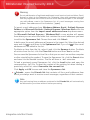
If you want to disable real-time protection, a warning window will appear. You must
confirm your choice by selecting from the menu how long you want the real-time
protection to be disabled. You can disable real-time protection for 5, 15 or 30
minutes, for an hour, permanently or until the system restart.
Warning
This is a critical security issue. We recommend you to disable real-time protection
for as little time as possible. If real-time protection is disabled, you will not be protected
against malware threats.
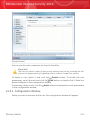
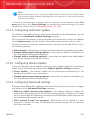
18.1.5. Configuring Antiphishing Protection
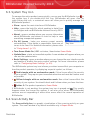
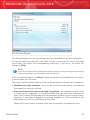
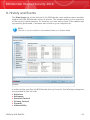
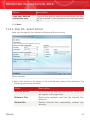
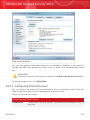
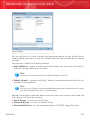
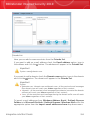
BitDefender provides real-time antiphishing protection for:
⚫ Internet Explorer
⚫ Mozilla Firefox
⚫ Yahoo! Messenger
⚫ Windows Live (MSN) Messenger
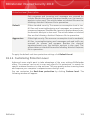
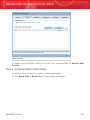
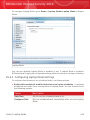
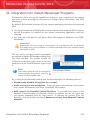
You can choose to disable the antiphishing protection completely or for specific
applications only.
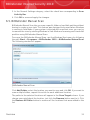
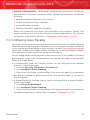
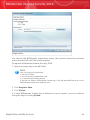
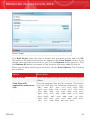
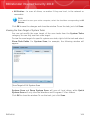
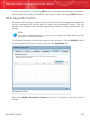
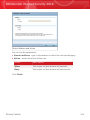
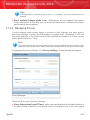
You can click White List to configure and manage a list of web sites that should
not be scanned by BitDefender Antiphishing engines.
Antivirus
130