1
E-P1_MASTER.fm Seite 120 Montag, 8. Juni 2009 1:15 13
Connecting the camera to a computer
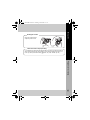
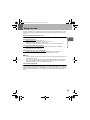
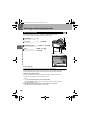
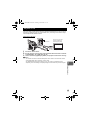
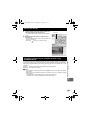
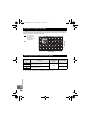
Connect the camera to your computer with the provided USB cable.
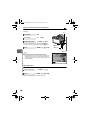
1
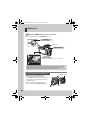
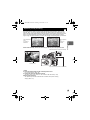
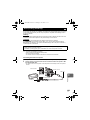
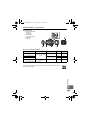
Use the provided USB cable to connect the computer’s USB port to the camera’s
multi-connector.
• The location of the USB port varies with the computer. For details, refer to your computer’s
manual.
Smaller terminal
Multi-connector
USB cable
Look for this mark.
USB port
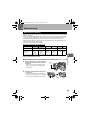
Using the OLYMPUS Master software
11
120
EN
2
3
4
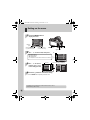
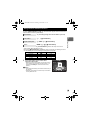
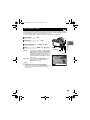
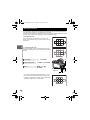
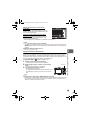
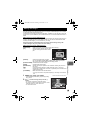
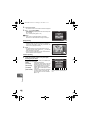
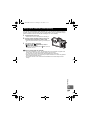
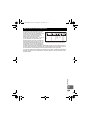
Turn on the camera.
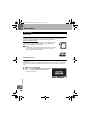
• The selection screen for the USB connection is displayed.
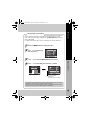
Press fg to select [STORAGE]. Press the i
button.
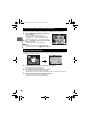
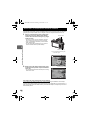
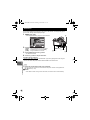
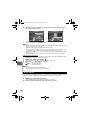
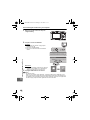
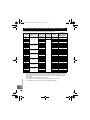
The computer recognizes the camera as a new
device.
Windows
• When you connect the camera to the computer for the first
time, the computer automatically recognizes the camera.
Click “OK” when the message saying that the installation is completed appears.
The computer recognizes the camera as a “Removable Disk
”.
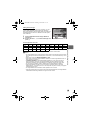
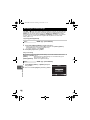
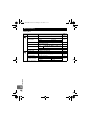
Macintosh
• iPhoto is the default image management application for Mac OS. When you connect your
Olympus digital camera for the first time, iPhoto will start up automatically. Close iPhoto and
start OLYMPUS Master.
x
Notes
• When the camera is connected to the computer, none of the camera buttons are functional.