1
E-P1_MASTER.fm Seite 69 Montag, 8. Juni 2009 1:15 13
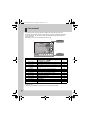
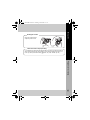
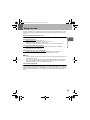
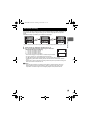
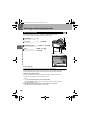
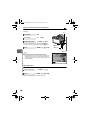
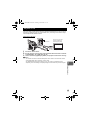
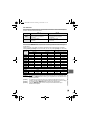
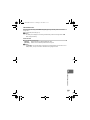
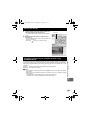
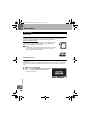
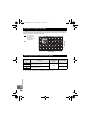
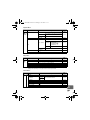
Adjusting the white balance in the A direction
(Amber-Blue)
Depending on the original WB conditions, the image
will become more amber when adjusted toward +, and
bluer when adjusted toward –.
AUTO
Adjusting the white balance in the G direction
(Green-Magenta)
WB PREVIEW
Depending on the original WB conditions, the image
BACK
will become greener when adjusted toward +, and
magenta when adjusted toward –.
• The white balance can be adjusted in 7 increments in each direction.
>
A
G
+2 –5
AEL
AFL
SET
TIPS
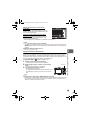
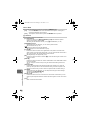
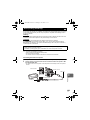
Checking the white balance you have adjusted:
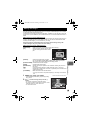
j After setting the compensation value, point the camera at the subject to take test shots. When the
AEL/AFL button is pressed, sample images that have been taken with the current WB settings are
displayed.
Adjusting all WB mode settings at once:
j See “ALL >” (gP. 108).
4
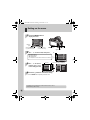
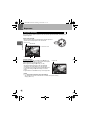
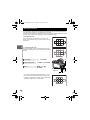
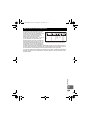
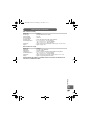
Setting the one-touch white balance
1
2
3
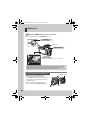
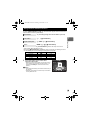
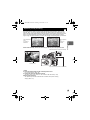
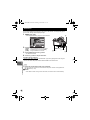
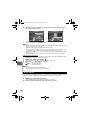
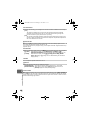
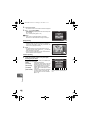
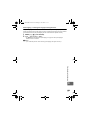
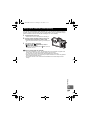
Point the camera at a sheet of white paper.
• Position the paper to fill the screen and unshadowed.
While holding down the < button, press the shutter
button.
< button
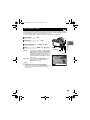
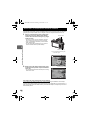
• The one-touch white balance screen appears.
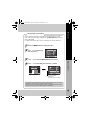
Select [YES] and press the i button.
• The white balance is registered.
• The registered white balance will be stored in the camera as a
preset WB setting. Turning the power off does not erase the
data.
TIPS
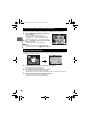
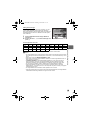
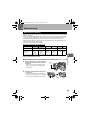
Record mode, white balance, and picture mode
This function is useful when you need a more precise white balance than preset WB can
provide. Point the camera at a sheet of white paper under the light source you want to use to
determine the white balance. The optimum white balance for the current shooting conditions
can be saved in the camera. This is useful when shooting a subject under natural light, as well
as under various light sources with different color temperatures.
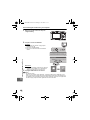
Set [; FUNCTION] to [V] beforehand. (gP. 100)
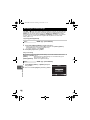
After pressing the shutter button, [WB NG RETRY] is displayed:
j When there is not enough white in the image, or when the image is too bright, too dark or the colors
look unnatural, you cannot register the white balance. Change the aperture and shutter speed
settings, then repeat the procedure from Step 1.
69
EN