1
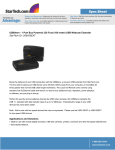
USB221EXT Instruction Manual
Connecting a USB Device
1.
Install any software required to operate the USB device(s). Refer to
the documentation for the device(s), as required.
2.
Connect the USB device to the Device port on the Remote unit.
3.
Check that the Device LED on the Remote unit is on.
8