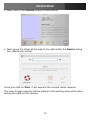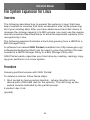
1
Instruction Manual
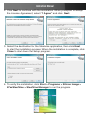
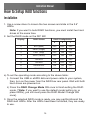
2. Click Next to continue with the installation. When prompted to accept the License Agreement, select “I Agree” and click Next.
3. Select the destination for the Steelvine application, then click Next to start the installation process. When the installation is complete, click Close to shut down the Setup program.
4. To verify the installation, click Start > Programs > Silicon Image > 57xxSteelVine > SteelVine Manager to run the program.
4