1
Operating Instructions
4.5
Setting Sensor Log Notification
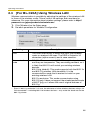
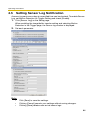
A sensor log sent once a day at a specified time can be checked. To enable Sensor
Log, set Motion Detection for Trigger Setting and check [Enable].
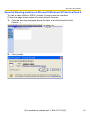
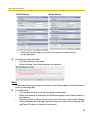
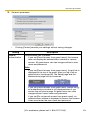
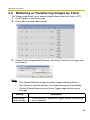
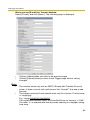
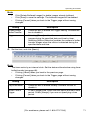
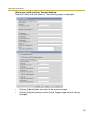
1. Click [Sensor Log] on the Setup page.
When enabling the image/buffer transfer setting and selecting Motion
Detection in the Trigger page, the Sensor log window is displayed.
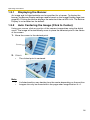
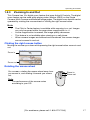
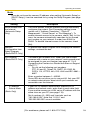
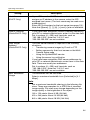
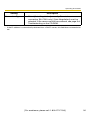
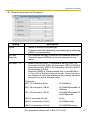
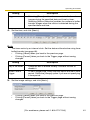
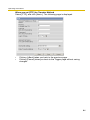
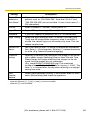
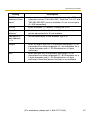
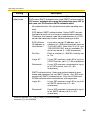
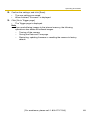
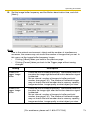
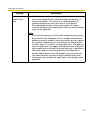
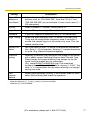
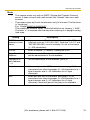
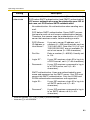
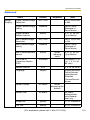
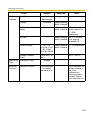
2. Set each parameter.
Note
•
•
•
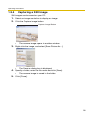
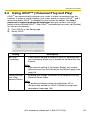
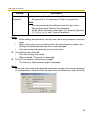
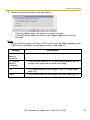
Click [Save] to save the settings.
Clicking [Cancel] cancels your settings without saving changes.
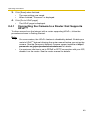
Clicking [Save] deletes new-arrival sensor logs.
86