1
16 Configuring the AXIS 70U/7000
AXIS 70U/7000 User’s Guide
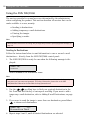
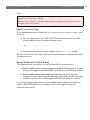
3. Click the Admin button to display the This AXIS 70U/7000 Web page.
Enter username and password (by default set to root and pass respectively).
Specifying the Network Settings
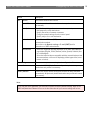
Referring to the information services table below, use the Wizard to configure
the TCP/IP and SMTP settings. Optionally, configure the External Address
Book for the automatic retrieval and loading of e-mail addresses and/or Web
(HTTP) definitions:
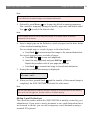
1. Click Network Settings.
2. Click Wizard
for the AXIS 70U/7000 to guide you through the configuration procedures for each of the supported network protocols. This is
a convenient way to set up your AXIS 70U/7000 in your network environment.
3. Click Detailed View
to verify the settings.