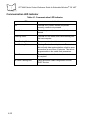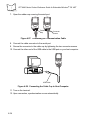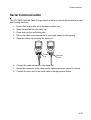
1
PPT 8800 Series Product Reference Guide for Embedded Windows® CE .NET
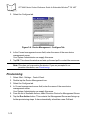
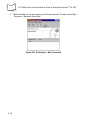
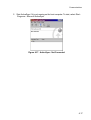
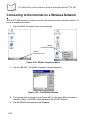
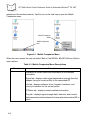
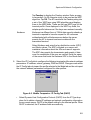
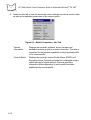
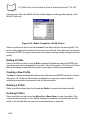
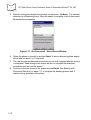
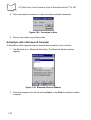
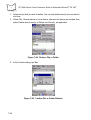
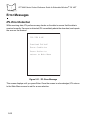
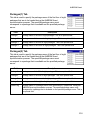
2. Select the Info tab to view the terminal’s current software and driver revision data
as well as the operating parameters of the current profile.
Figure 6-9. Mobile Companion - Info Tab
6-14
Version
Information
Displays the terminal's software, driver, firmware and
hardware versions as well as country information. This data is
consistent for the terminal regardless of which terminal profile
is the current profile.
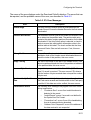
Current Status
Displays the terminal’s current Profile Name, ESSID, and
Encryption mode. Terminal performance is displayed using a
verbal indicator of signal strength. Terminal operating
information differs depending on which profile has been
enabled as the current profile.