1
Getting Started
Checking Battery Power
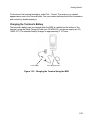
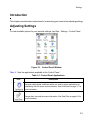
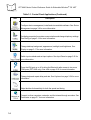
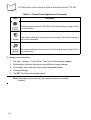
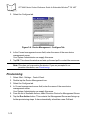
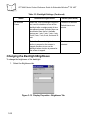
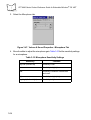
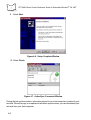
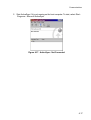
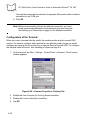
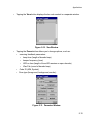
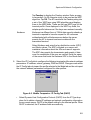
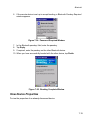
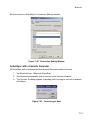
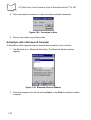
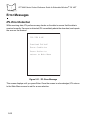
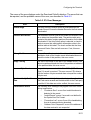
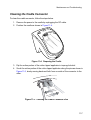
To check whether the main battery or backup battery in the terminal is charged, tap Start Settings - Control Panel. Double-tap the Power icon to display the Power Properties
window. (If the Battery tab is not displayed, tap the Battery tab.)
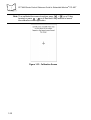
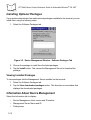
Figure 1-24. Power Properties Window
To save battery power, set your terminal to turn off after a specified number of minutes.
Refer to Power on page 3-32 to set power management options.
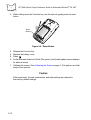
Replacing the Handstrap
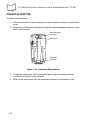
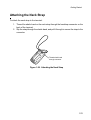
The terminal has a factory-installed handstrap which increases comfort when holding the
terminal for extended periods of time. There are two types of handstraps depending upon
the configuration of the terminal; a handstrap that has a clip that mounts to the terminal and
a handstrap snaps onto the top connector. The handstrap may be removed or replaced, if
damaged.
1-21