1
Configuring the Terminal
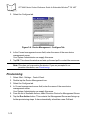
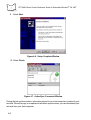
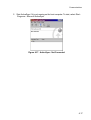
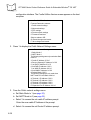
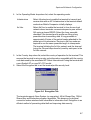
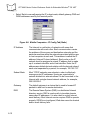
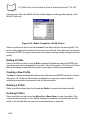
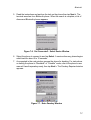
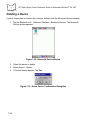
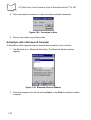
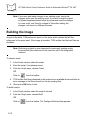
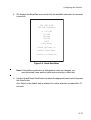
Figure 9-3. Configure Build Window
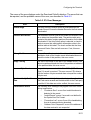
3. Click a checkbox to select the item to build.
4. Use the BROWSE button to locate the file.
5. Select ASCII format for your hex image, or COMPRESSION, which reduces the
size of most hex images in order to speed downloading.
6. Click OK.
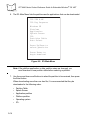
7. TCM performs a check. If the script has no errors, TCM proceeds with the build.
If the Build Fails
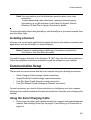
If the build fails, TCM displays a message indicating which file(s) are missing.
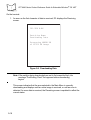
If the total amount of flash required by the script exceeds the image size, a TCM error
results. To correct this, reduce the number of files in the volume, or make the disk nonbootable. Refer to Defining Script Properties on page 9-6 for more information on setting
the image size appropriately.
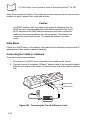
Sending the Hex Image
Once the hex file is built, you are ready to download it to the terminal. A Hex image
download requires both TCM and a program loader stored on the terminal. The terminal
comes with a program loading utility, Initial Program Loader (IPL), stored in the terminal’s
9-11