1
Chapter 7: BIOS
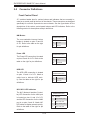
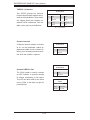
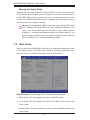
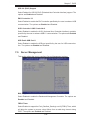
Gate20 Active
If Upon Request is selected, Gate20 can be disabled via BIOS. Select Always to
keep Gate20 always active when executing any RT (Register Transfer) Code above
1 MB. The options are Always and Upon Request.
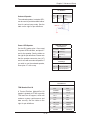
Option ROM Message
Use this feature to select the Option ROM mode setting. The options are Force
BIOS and Keep Current.
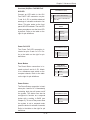
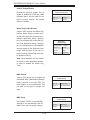
Interrupt 19 Capture
Interrupt 19 is the software interrupt that handles boot disk functions. When this item
is set to Enabled, the ROM BIOS of the host adaptors will "capture" Interrupt 19
at bootup and allow the drives that are attached to these host adaptors to function
as bootable disks. If this item is set to Disabled, the ROM BIOS of the host adaptors will not capture Interrupt 19, and the drives attached to these adaptors will not
function as bootable devices. The options are Enabled and Disabled.
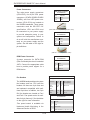
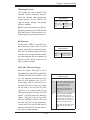
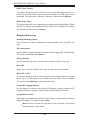
Boot Option Priorities
Boot Option#1
Use this feature to set the system boot sequence. If Built-in EFI (Extensible Firmware Interface) Shell is selected, the Built-in EFI Shell will become the first component to boot. The options are Disabled and Built-in EFI Shell.
7-8
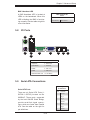
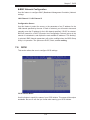
Security
Use this section to configure the privilege level of the user when accessing the
system or the Setup Utility.
7-29