1
Performing a Mirrored Disk Hot-Plug
Operation
Verify which disk drive corresponds with which logical device name and physical
device name. See:
■
“About Physical Disk Slot Numbers, Physical Device Names, and Logical Device
Names” on page 123
You need to refer to the following document to perform this procedure:
■
▼
Sun Fire V445 Server Service Manual
To Perform a Mirrored Disk Hot-Plug Operation
Caution – Ensure that the disk drive OK-to-Remove indicator is lit, indicating that
the disk drive is offline. If the disk drive is still online, you risk removing the disk
during a read/write operation, which could result in data loss.
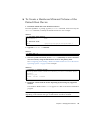
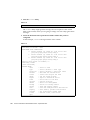
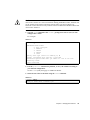
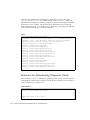
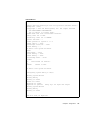
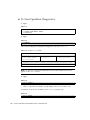
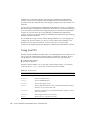
1. To confirm a failed disk, type:
TABLE 6-26
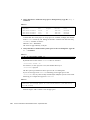
# raidctl
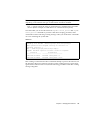
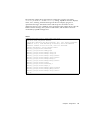
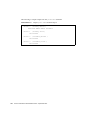
For example:
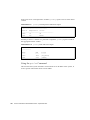
TABLE 6-27
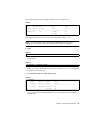
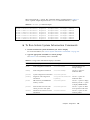
# raidctl
RAID
RAID
RAID
Disk
Volume
Status
Disk
Status
---------------------------------------c1t1d0
DEGRADED c1t1d0
OK
c1t2d0
DEGRADED
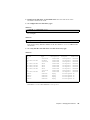
This example indicates that the disk mirror has degraded due to a failure in disk
c1t2d0.
134
Sun Fire V445 Server Administration Guide • September 2007