1
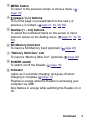
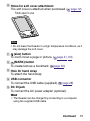
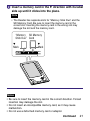
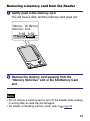
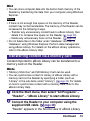
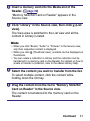
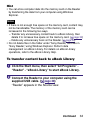
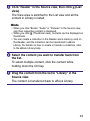
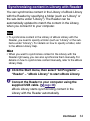
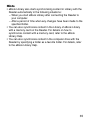
Insert a memory card in the direction with its label side up until it clicks into the place. Note • The Reader has separate slots for “Memory Stick Duo” and the SD Memory Card. Be sure to insert the memory card in the correct slot. Inserting the memory card in the wrong slot may damage the slot and the memory card. “Memory SD Memory Stick Duo” Card Mark Mark Notes • Be sure to insert the memory card in the correct direction. Forced insertion may damage the slot. • Do not insert an incompatible memory card, as it may cause malfunction. • Do not use a deformed memory card or adaptor. Continued 21