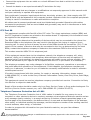
1
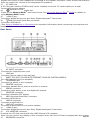
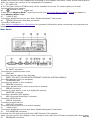
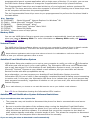
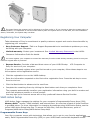
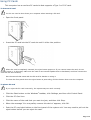
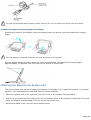
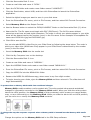
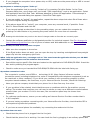
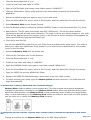
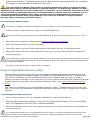
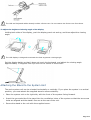
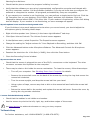
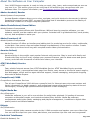
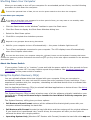
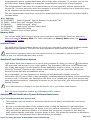
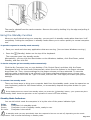
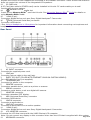
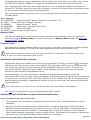
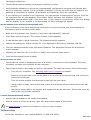
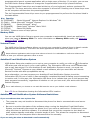
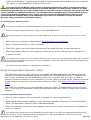
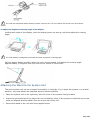
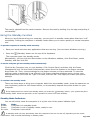
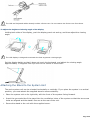
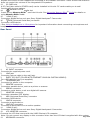
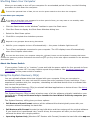
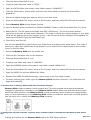
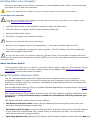
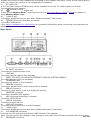
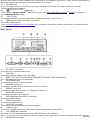
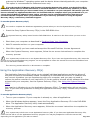
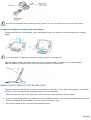
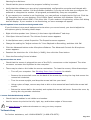
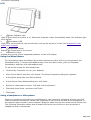
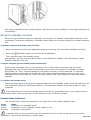
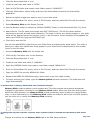
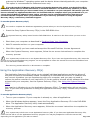
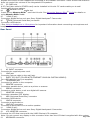
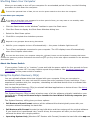
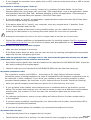
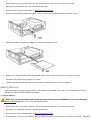
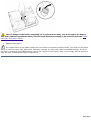
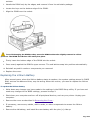
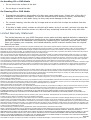
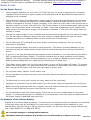
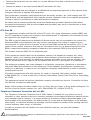
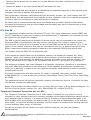
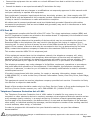
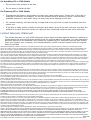
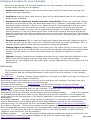
The LCD and keyboard cables already include a ferrite core. Do not remove the ferrite core from these
cables.
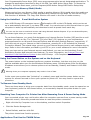
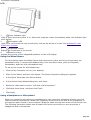
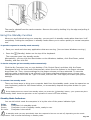
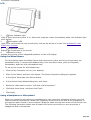
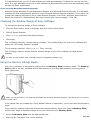
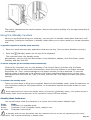
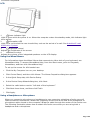
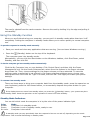
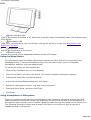
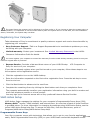
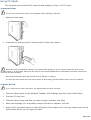
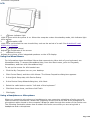
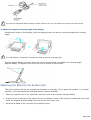
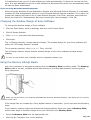
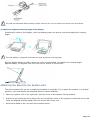
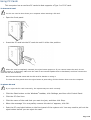
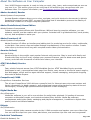
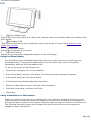
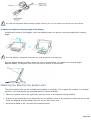
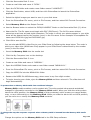
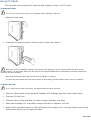
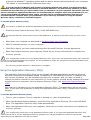
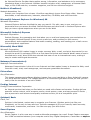
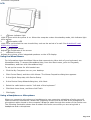
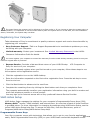
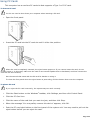
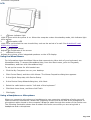
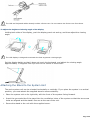
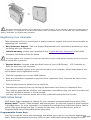
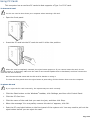
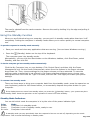
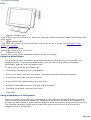
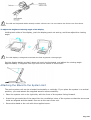
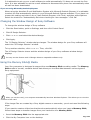
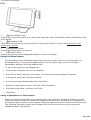
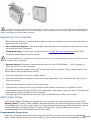
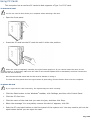
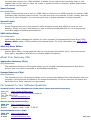
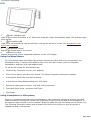
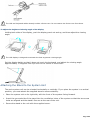
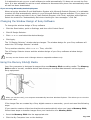
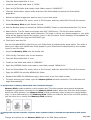
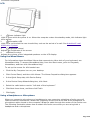
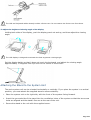
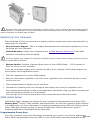
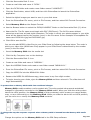
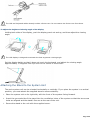
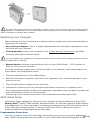
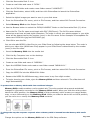
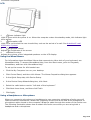
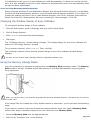
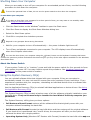
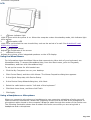
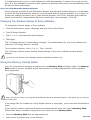
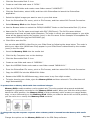
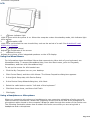
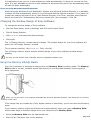
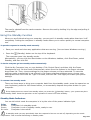
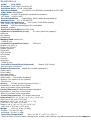
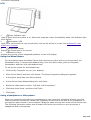
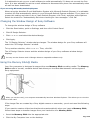
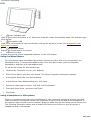
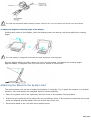
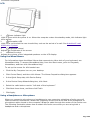
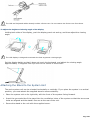
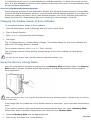
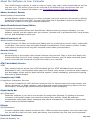
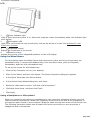
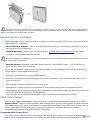
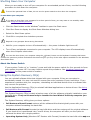
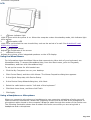
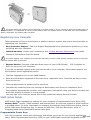
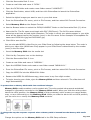
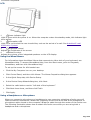
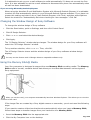
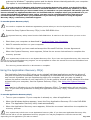
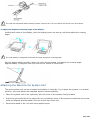
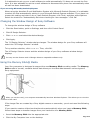
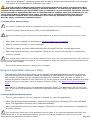
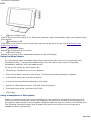
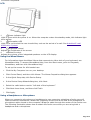
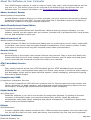
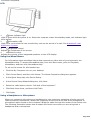
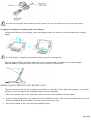
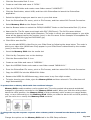
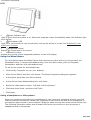
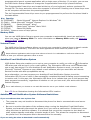
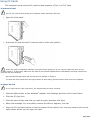
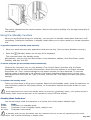
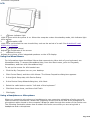
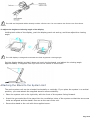
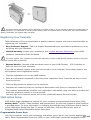
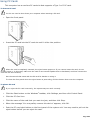
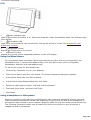
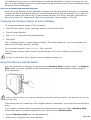
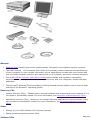
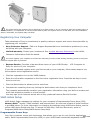
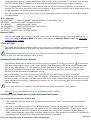
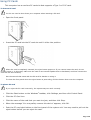
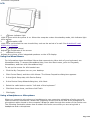
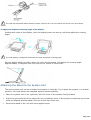
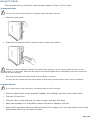
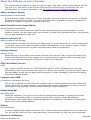
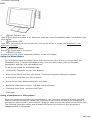
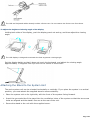
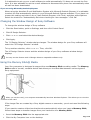
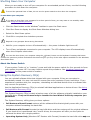
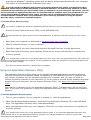
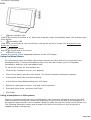
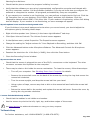
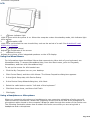
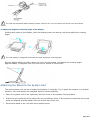
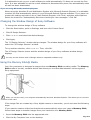
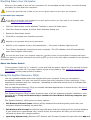
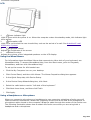
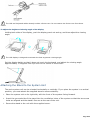
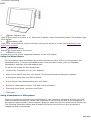
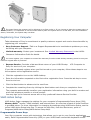
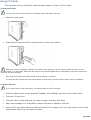
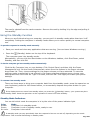
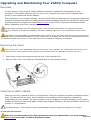
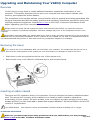
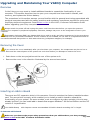
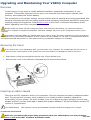
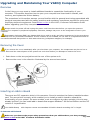
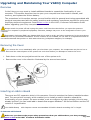
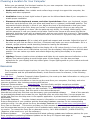
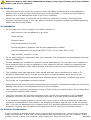
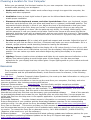
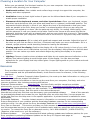
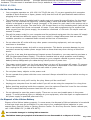
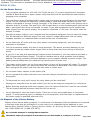
To adjust the height and viewing angle of the display
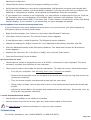
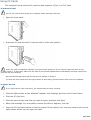
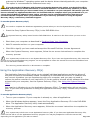
Holding both sides of the display, push the display panel out and up, and then adjust the viewing
angle.
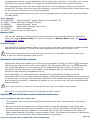
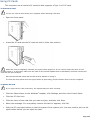
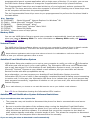
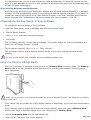
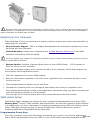
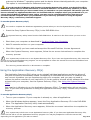
The LCD display is designed to maintain the best ergonomic viewing angle.
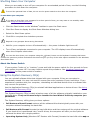
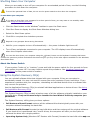
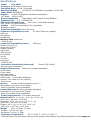
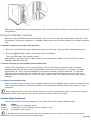
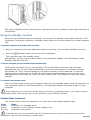
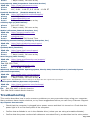
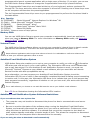
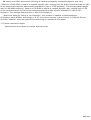
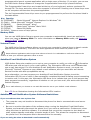
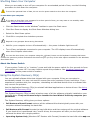
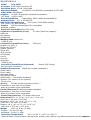
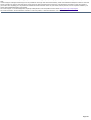
Set the display height so that it does not touch the keyboard, and adjust the viewing angle
approximately 27 degrees from eye level to the center of the screen.
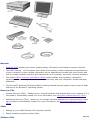
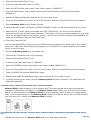
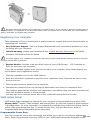
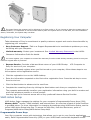
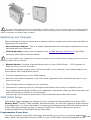
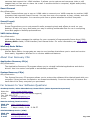
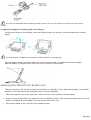
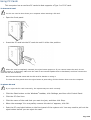
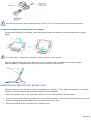
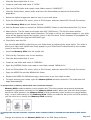
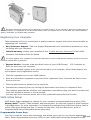
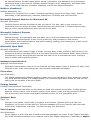
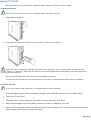
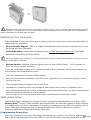
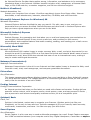
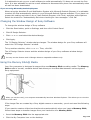
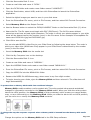
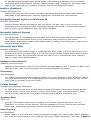
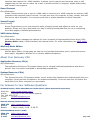
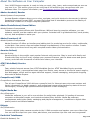
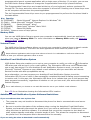
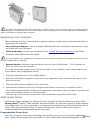
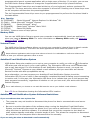
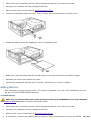
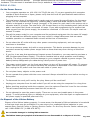
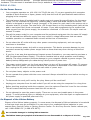
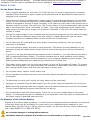
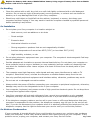
Attaching the Stand to the System Unit
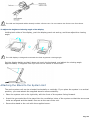
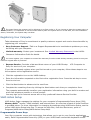
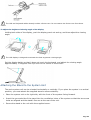
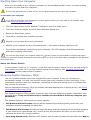
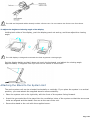
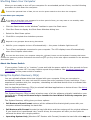
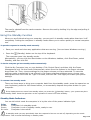
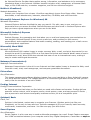
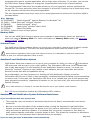
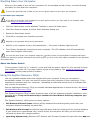
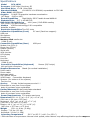
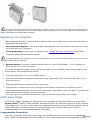
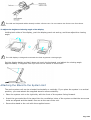
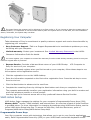
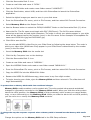
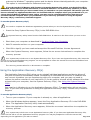
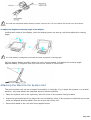
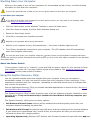
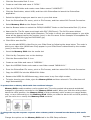
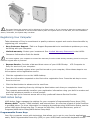
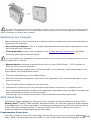
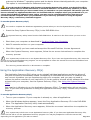
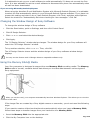
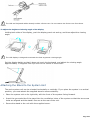
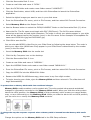
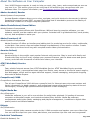
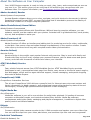
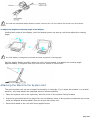
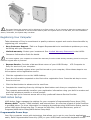
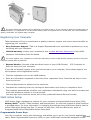
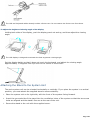
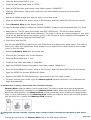
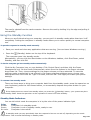
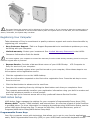
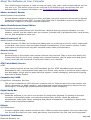
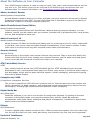
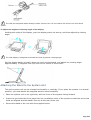
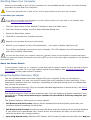
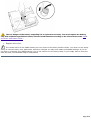
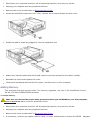
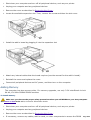
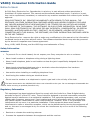
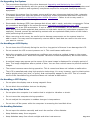
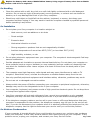
The main system unit can be oriented horizontally or vertically. If you place the system in a vertical
position, you must attach the supplied stand to ensure stability.
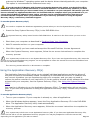
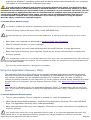
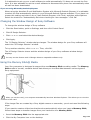
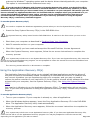
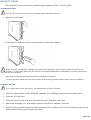
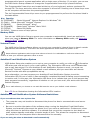
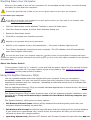
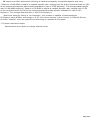
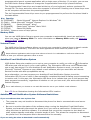
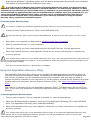
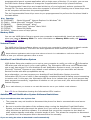
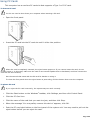
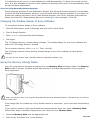
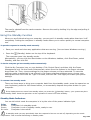
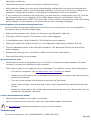
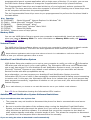
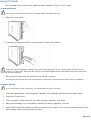
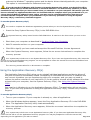
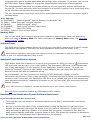
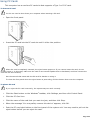
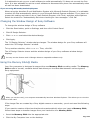
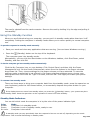
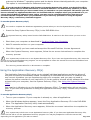
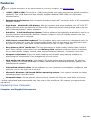
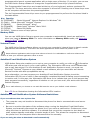
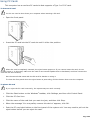
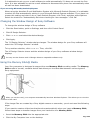
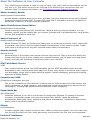
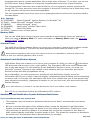
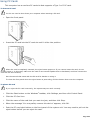
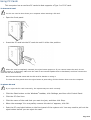
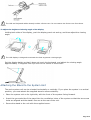
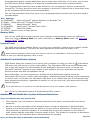
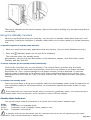
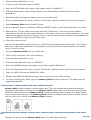
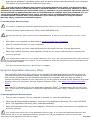
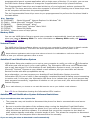
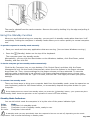
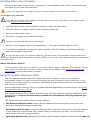
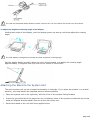
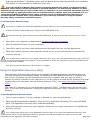
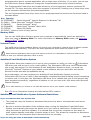
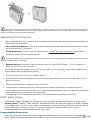
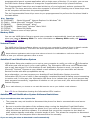
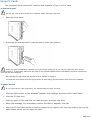
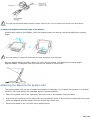
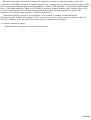
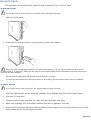
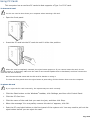
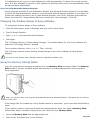
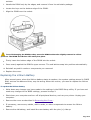
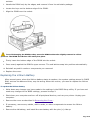
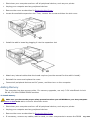
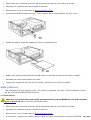
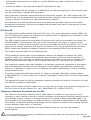
1. Place the system unit on its right side, with the front of the system facing forward.
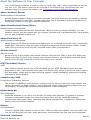
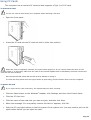
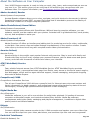
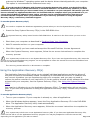
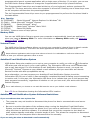
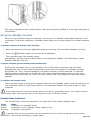
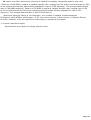
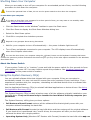
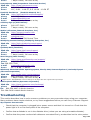
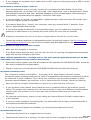
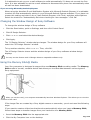
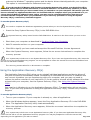
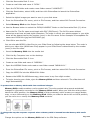
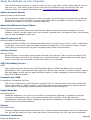
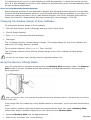
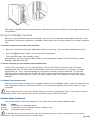
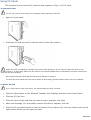
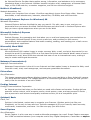
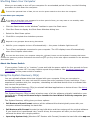
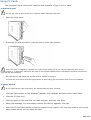
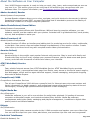
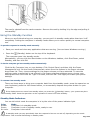
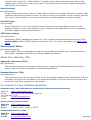
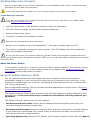
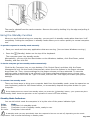
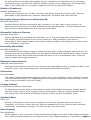
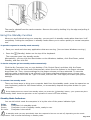
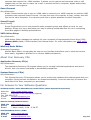
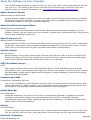
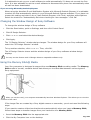
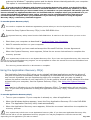
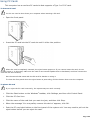
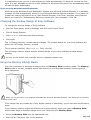
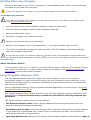
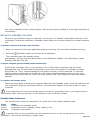
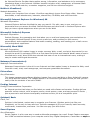
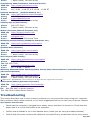
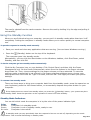
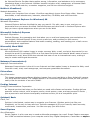
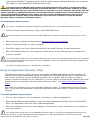
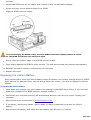
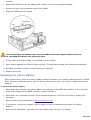
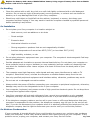
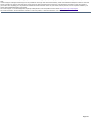
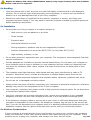
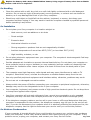
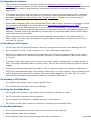
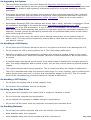
2. Insert the grooved side of the stand into the ventilation holes of the system so that the two screw
holes are aligned and the stand's fins are at the rear of the unit.
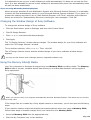
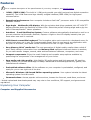
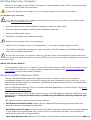
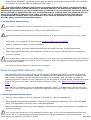
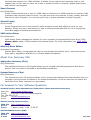
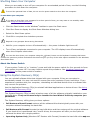
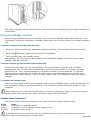
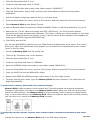
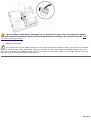
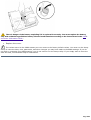
3. Secure the stand to the unit with the supplied screw.
Page 657