1
Chapter 4
RUGGEDCOM ROS
Ethernet Ports
User Guide
Section 4.2.6
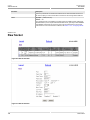
Port Status
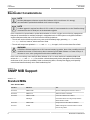
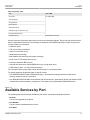
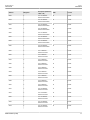
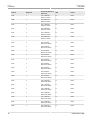
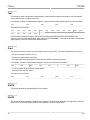
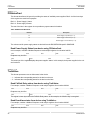
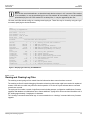
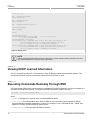
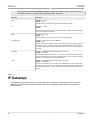
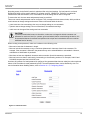
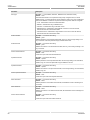
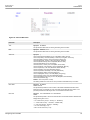
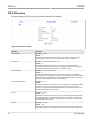
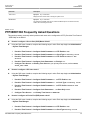
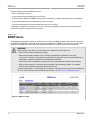
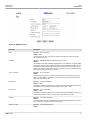
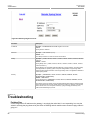
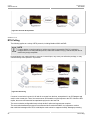
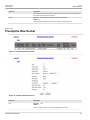
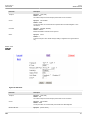
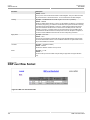
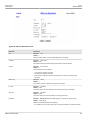
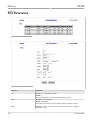
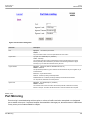
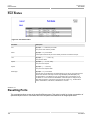
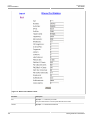
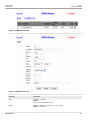
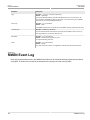
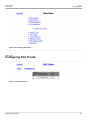
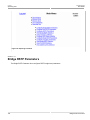
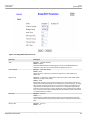
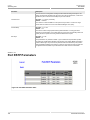
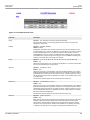
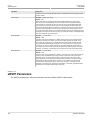
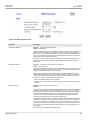
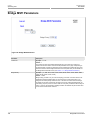
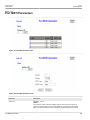
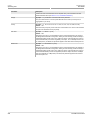
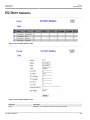
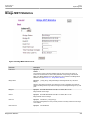
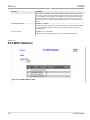
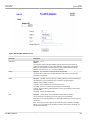
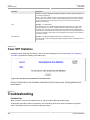
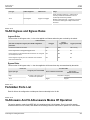
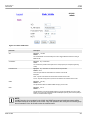
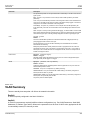
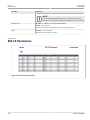
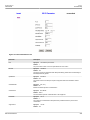
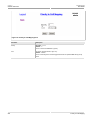
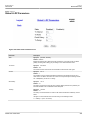
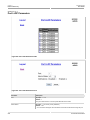
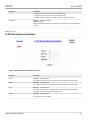
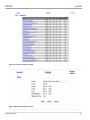
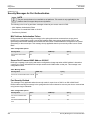
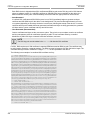
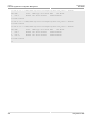
Figure 107: Port Status Table 1
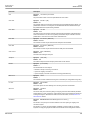
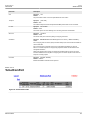
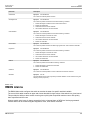
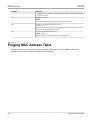
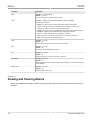
Parameter
Description
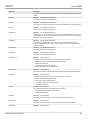
Port
Synopsis: 1 to maximum port number
The port for which status is provided.
Name
Synopsis: Any 15 characters
A descriptive name that may be used to identify the device connected to that port.
Link
Synopsis: { ----, ----, Down, Up }
The port's link status.
Speed
Synopsis: { ---, 10, 100, 1000 }
The port's current speed.
Duplex
Synopsis: { ----, Half, Full }
The port's current duplex status.
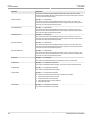
Media Type
Synopsis: Any 31 characters
Provides user with the description of installed media type on the port for modular products.
Please note that fiber media may be either Single Mode(SM), Multi Mode(MM), may
be Short Distance, Long Distance or Very Long Distance with connectors like LC, SC,
ST, MTRJ etc. For the modules with SFP/GBICs, media description is displayed as per
SFF-8472 specification, if transceiver is plugged into the module, e.g., 10/100/1000TX
RJ45, 100FX SM SC, 10FX MM ST, 1000SX SFP LC S SL M5
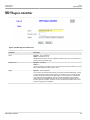
Section 4.2.7
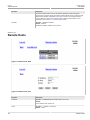
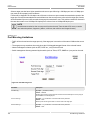
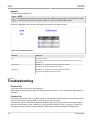
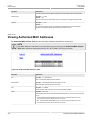
Resetting Ports
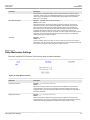
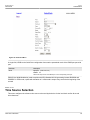
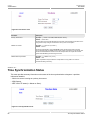
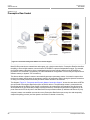
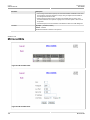
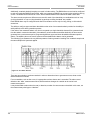
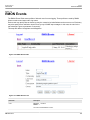
This command performs a reset of the specified Ethernet ports. This action is useful for forcing re-negotiation of
speed and duplex mode or in situations where the link partner has latched into an inappropriate state.
146
Port Status