1
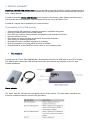
• The SIM Card
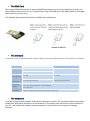
Get a simple GSM SIM card and an attractive SMS/Text package from your local cell phone provider, just
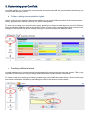
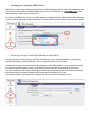
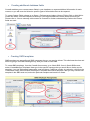
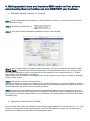
like the SIM card that you have in your mobile phone. Plug in the SIM card in the GSM modem as illustrated
below and you are ready to go…
The following steps describe the insertion of SIM Card to the Modem
• The software
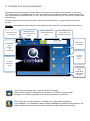
Coretalk is based on the latest JAVA platform. Minimum system requirements to run Coretalk are as follows
•
Item
Processor
Minimum
1.5 GHz
Recommended
1.8 GHz
Memory
1.0 GB
2.0 GB
Free Hard
Drive Space
1.0 GB
2.0 GB
Internet
Connection*
Low Speed Internet
High Speed Internet
Operating
System
Windows XP (SP3, Home or Professional), Windows Vista (all editions,
32 or 64 bit), Windows 7 (all editions,
32 or 64 bit)
Screen
Resolution
1024 x 768 pixel minimum resolution required
The database
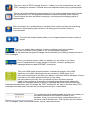
CoreTalk is using an SQL database where all the information is stored. The CoreTalk installer automatically
installs SQL 2005 Server Express to run its database. If you already have SQL 2005 or higher installed on
your PC , the installer will configure itself automatically so you don’t have to configure any settings
manually.