1
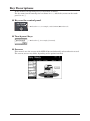
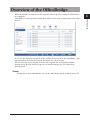
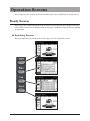
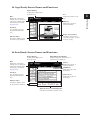
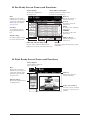
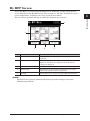
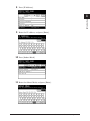
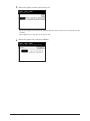
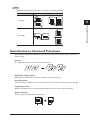
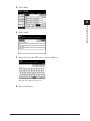
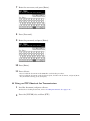
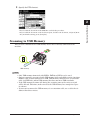
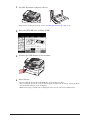
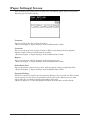
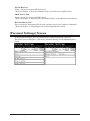
Operation Screens You can operate the machine by directly touching the keys and tabs on the touch screen. Ready Screen You can use the various functions of the machine by operating the keys displayed on the screen. The ready screen is displayed when you press a mode key or press <Reset> during an operation. Switching Screens Press the mode keys to switch between the copy, scan, fax, and print screens. 1-8 Operation Screens