1
3.Opeation
3.2.4 Model transformations
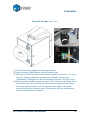
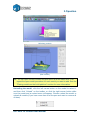
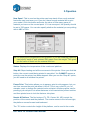
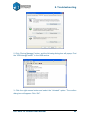
Model Transformation can be achieved through the Edit menu orthe toolbar:
(Windows version)
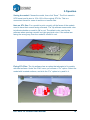
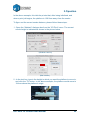
Moving the model: Click the ―Move‖ button and choose,
or input, the distance you want to move in the text box.
Then choose the axis (direction) in which you want to
move. Each time you click the axis button the model will
move again.
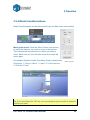
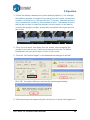
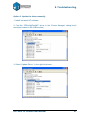
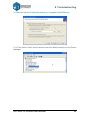
For example: Move the model -5mm along Z axis (or down 5mm).
Procedure: 1. Click on ―Move‖; 2. Input ―-5‖ in the text box;
3. Click the ―Z axis‖.
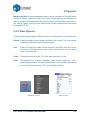
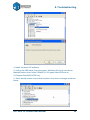
(Mac version)
Tip: If you hold down the ‗Ctrl‘ key, you can simply drag the model to whatever
position you want.
UP! mini 3D Printer User Manual
20