1
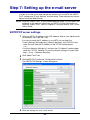
E-mail Settings
1
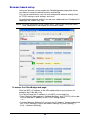
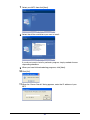
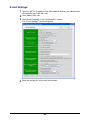
Type your MFP’s IP address in the URL address field on your web browser
(for example, http://192.168.1.10).
2
Click “Admin Tools” tab.
3
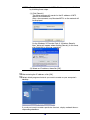
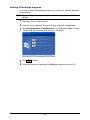
Click [E-mail Settings] on the “Configuration” column.
The “E-mail Settings” screen will appear.
4
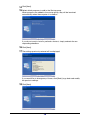
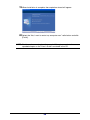
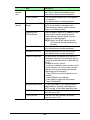
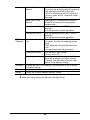
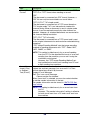
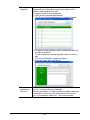
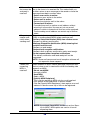
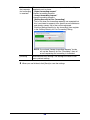
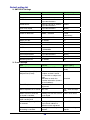
Enter the settings for your e-mail environment.
25