1
Contents
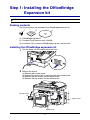
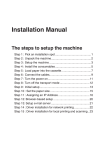
Step 1: Installing the OfficeBridge Expansion kit ................................. 1
Packing contents ................................................................................................. 1
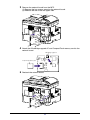
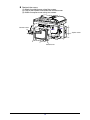
Installing the OfficeBridge expansion kit ............................................................. 1
Step 2: Connecting the cables ................................................................ 4
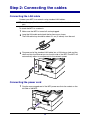
Connecting the LAN cable .................................................................................. 4
Connecting the power cord ................................................................................. 4
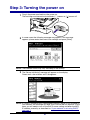
Step 3: Turning the power on ................................................................... 6
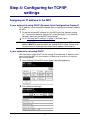
Step 4: Configuring for TCP/IPsettings................................................... 7
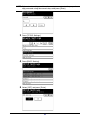
Assigning an IP address to the MFP ................................................................... 7
Verifying the IP settings ..................................................................................... 11
Browser-based setup ........................................................................................ 12
Step 5: Verifying the network settings .................................................... 13
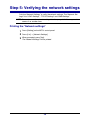
Printing the “Network settings” .......................................................................... 13
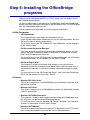
Step 6: Installing the OfficeBridge programs ..........................................14
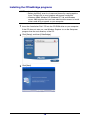
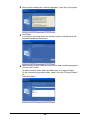
Installing the OfficeBridge programs ................................................................. 15
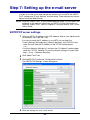
Step 7: Setting up the e-mail server ..................................................... 22
SMTP/POP server settings ............................................................................... 22
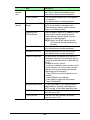
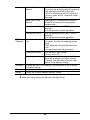
E-mail Settings .................................................................................................. 25
Index ........................................................................................................ 31
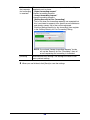
Print
The checked step will be printed.
Trademarks
• Muratec, the Muratec logo and all Muratec product names contained herein are trademarks of
Murata machinery, Ltd and Muratec America, Inc.
• Microsoft®, Windows®, Windows® 98, Windows® Me, Windows NT® 4.0, Windows® 2000, Windows® XP, and Windows® Server 2003 are registered trademarks of the Microsoft Corporation.
All other products referenced are trademarks or registered trademarks of their respective companies.