1
INSTRUCTION MANUAL………………………………………………………………………………14
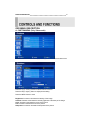
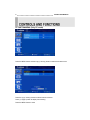
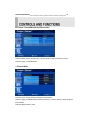
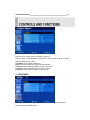
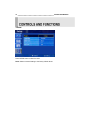
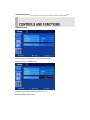
Press the up(▲) / down(▼) button to select PC sub menu
Press the right(▶) or ENTER button and then left (◀) /right(▶) button to adjust PC setting.
Press the MENU button to save.
Auto Adjust: Auto geometry adjustment
Phase: Adjust the number of horizontal picture elements.
H. position: Move image horizontally on screen right or left.
V. position: Move image vertically on screen up or down.
Frequency: Adjust the vertical noise of screen image.
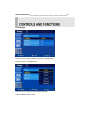
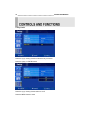
C. SETUP MENU
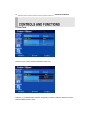
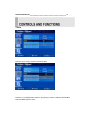
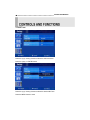
Press the MENU button and then up(▲) / down(▼) button to select the Setup menu.
Press the right(▶) or ENTER button.