1
ERS-4 Instruction Manual
7.2.3 Router or LAN Connection
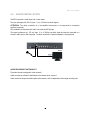
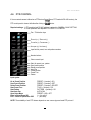
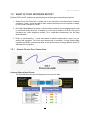
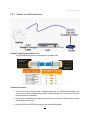
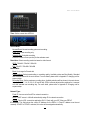
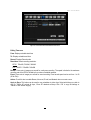
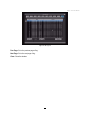
Straight Through Ethernet Cable Pin outs:
The Figure below shows the pin configurations for a straight cable.
Connection Procedure:
¾ The First step is to purchase or make a straight through cable. We recommend purchasing one if
you have never made a straight through cable. Please remember you can not use a cross-over
network cable for this application
¾ Once you have a straight through cable plug one end into the LAN port on the back of the recorder
and the other into the router.
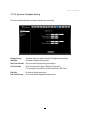
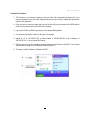
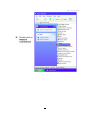
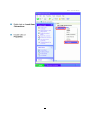
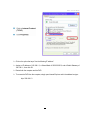
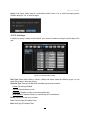
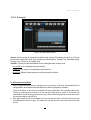
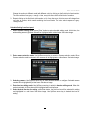
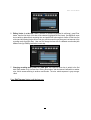
¾ Log into the EverFocus DVR menu and go to the Network Setting Menu.
97