1
ERS-4 Instruction Manual
3.
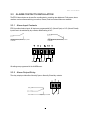
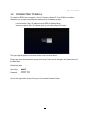
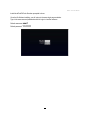
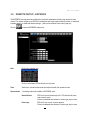
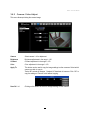
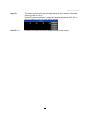
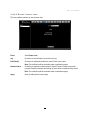
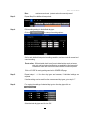
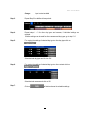
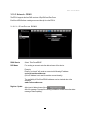
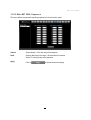
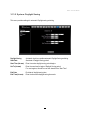
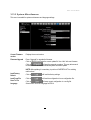
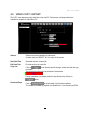
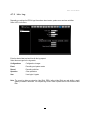
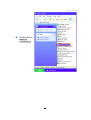
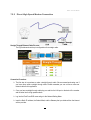
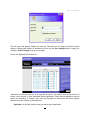
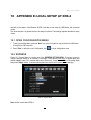
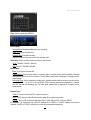
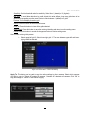
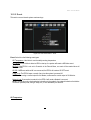
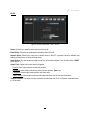
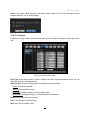
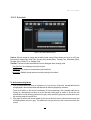
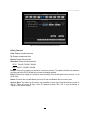
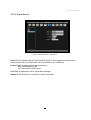
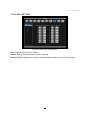
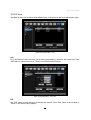
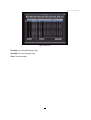
Selecting camera: Use Right/Left arrow key to select an alarm to configure. Selected alarm
number will be highlighted by a blue frame. See above image.
4.
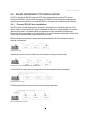
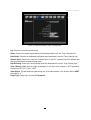
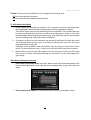
Enter time bar editing mode: Use Up/Down arrow key to switch to time bar editing mode. When
this mode is selected, all 9 time bars will be highlighted within a blue frame.
5.
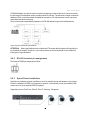
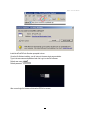
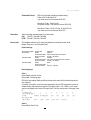
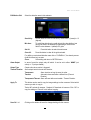
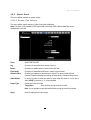
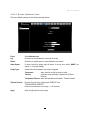
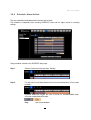
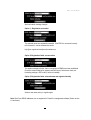
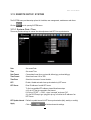
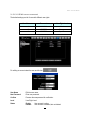
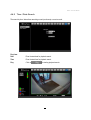
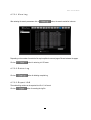
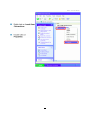
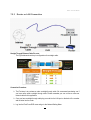
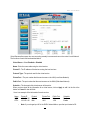
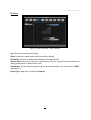
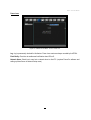
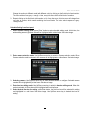
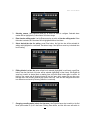
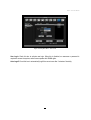
Select desired time bar for setting: press Enter button, the first time bar will be selected for
setting and highlighted in a red frame. See below image. Use Up/Down arrow key to desired time
bar for setting.
6.
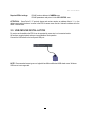
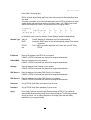
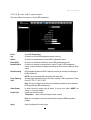
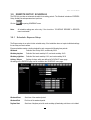
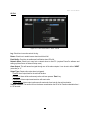
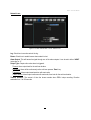
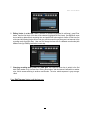
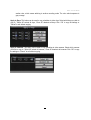
Editing blocks in a time bar: when a time bar is selected (highlighted in red frame), press Enter
button, then the first block of this bar will be selected (highlighted in blue frame). Use Right/Left
arrow key to switch to desired block as starting time, and press Enter button again to confirm. At
this time, the current and all following blocks will turn into gray, which means this gray time zone
has been set to the recording mode of gray (Alarm Action off). User can also change the time zone
to a different record mode by following instruction in next step.
7.
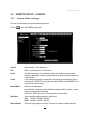
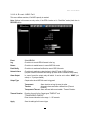
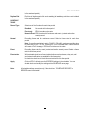
Changing recording mode (color) of a time zone: Use Right/Left arrow key to switch to the first
block (with number on it) of a time zone. Clicking Enter button, and this time zone will switch to
136