1
System Manager’s Quick Reference
5 Managing the System
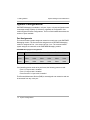
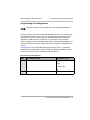
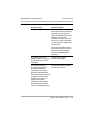
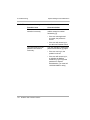
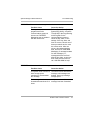
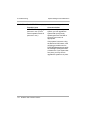
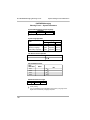
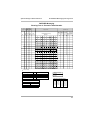
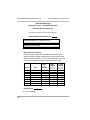
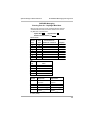
Modifying Automated Attendant Programming
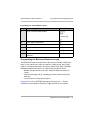
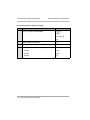
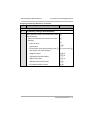
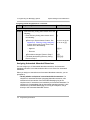
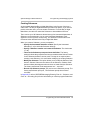
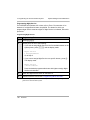
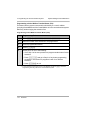
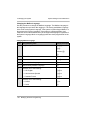
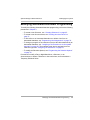
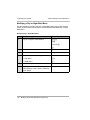
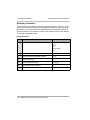
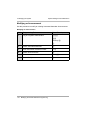
To modify the following Automated Attendant programming, refer to the following
procedures in Chapter 3:
• To create a new Submenu, see ““Creating Submenus” on page 65.
• To create a new Announcement, see “Creating Announcements” on
page 71.
• To add a line to an Automated Attendant or to delete a line from an
Automated Attendant, see “Programming Line Assignments” on page 79.
• To change or program a Fax extension to receive fax calls transferred by an
Automated Attendant, see ““Assigning a Fax Extension to an Automated
Attendant” on page 81. The extension must also be assigned as a Fax
extension type. See ““Assigning Fax Extensions” on page 56.
• To modify the Schedule Options, see “Programming the Schedule Options”
on page 74.
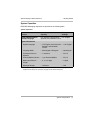
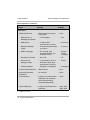
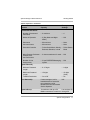
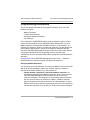
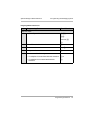
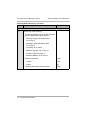
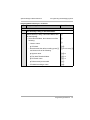
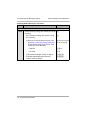
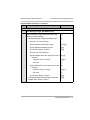
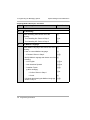
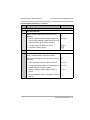
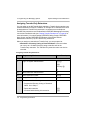
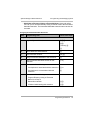
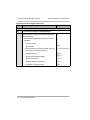
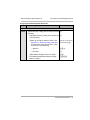
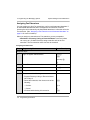
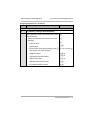
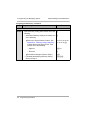
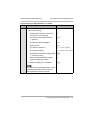
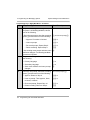
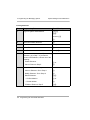
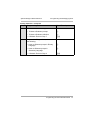
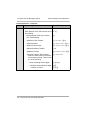
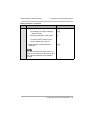
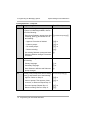
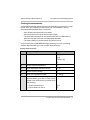
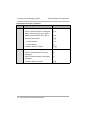
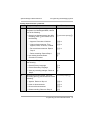
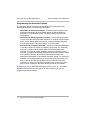
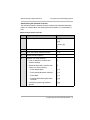
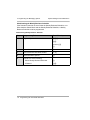
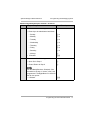
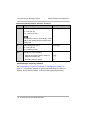
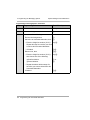
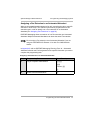
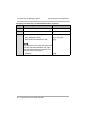
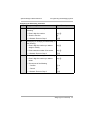
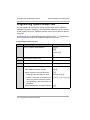
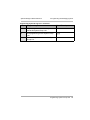
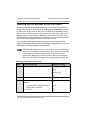
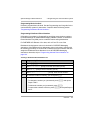
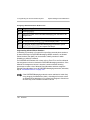
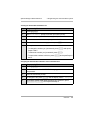
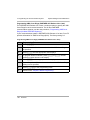
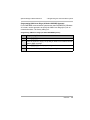
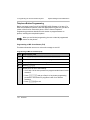
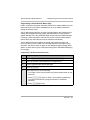
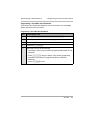
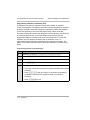
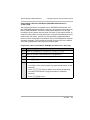
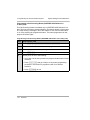
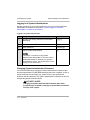
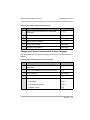
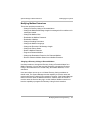
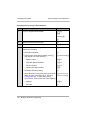
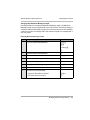
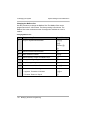
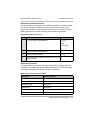
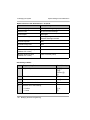
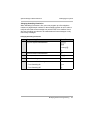
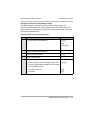
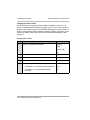
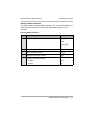
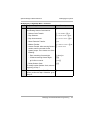
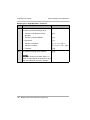
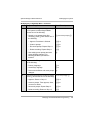
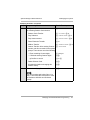
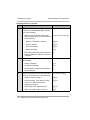
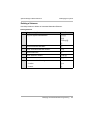
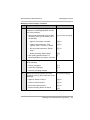
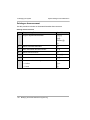
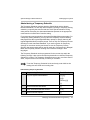
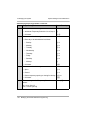
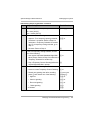
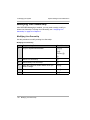
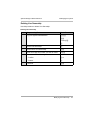
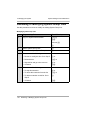
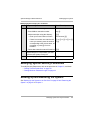
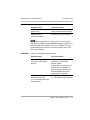
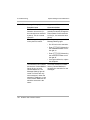
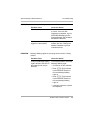
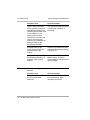
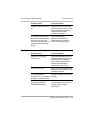
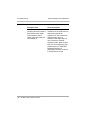
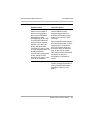
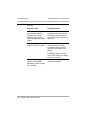
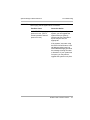
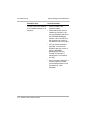
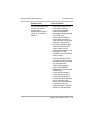
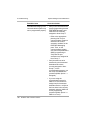
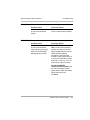
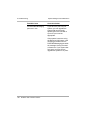
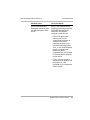
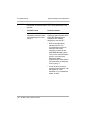
Procedures to modify a Day or Night Main Menu, a Submenu, or an
Announcement; to delete a Submenu or Announcement; and to administer a
Temporary Schedule follow.
Modifying Automated Attendant Programming
135