1
Chapter 10 Off-premise Message Notification
109
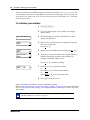
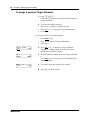
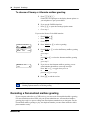
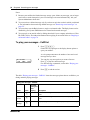
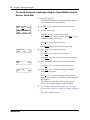
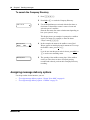
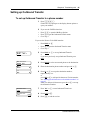
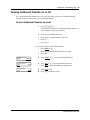
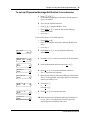
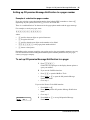
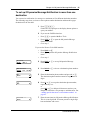
To turn Off-premise Message Notification on or off
1
Press ≤·°⁄.
Follow the voice prompts or the display button options to
open your mailbox.
2
If you use the CallPilot interface:
•
•
Press °fi to open the Mailbox Tools
Press NOTIF or ¤ to open the Off-premise Message
Notification menu
Go to step 3
•
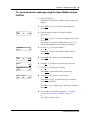
If you use the Norstar Voice Mail interface:
•
•
•
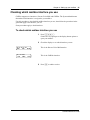
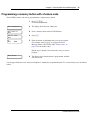
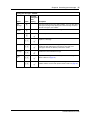
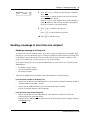
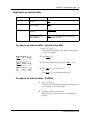
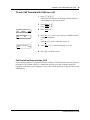
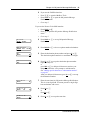
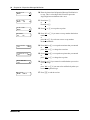
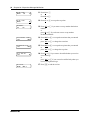
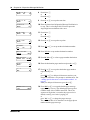
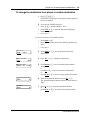
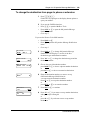
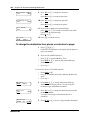
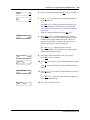
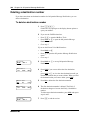
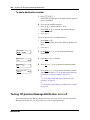
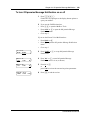
Msg notify
ADMIN SELECT
Notify on
CHNG
TIME
OK
Notify off
CHNG
TIME
OK
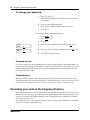
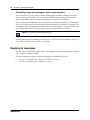
Mailbox admin
GREET PSWD QUIT
Press ADMIN or °
Press fl to open the Off-premise Message Notification
menu
Go to step 3
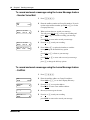
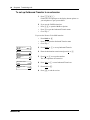
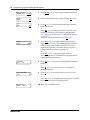
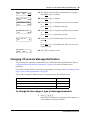
3
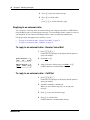
Press SELECT or ¤ to set up Off-premise Message
Notification.
4
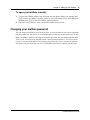
Press CHNG or ⁄ to turn Off-premise Message
Notification off if it is on (as shown).
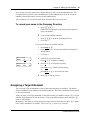
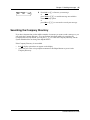
5
Press OK or •
or
press TIME to review the start and stop time parameters.
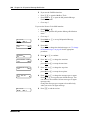
6
Press ® to end the session.
CallPilot Reference Guide