1
7 If Something Doesn’t Work
Quick Reference Guide
Clearing a Backup-Failure Alarm
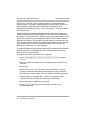
If you use Backup Programming–Automatic (#123) and the automatic backup
fails, a Backup-Failure Alarm message appears (instead of the default
day/date/time message) on the top line of the telephone display at idle
extensions 10 and 11.
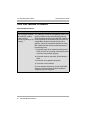
After correcting the problem that caused the failure, clear the Backup-Failure
Alarm by following these steps:
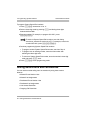
1 Press
f00ss#123.
2 Press
3 to choose Option 3, “Backup Alarm Cleared.”
3 Exit programming mode.
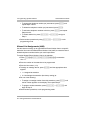
• You cannot use D or d in this procedure to
choose Option 3.
• Using Option 3 to clear a Backup-Failure Alarm does not
change the setting for Backup Programming–Automatic
(#123). It remains either Active or Not Active.
70
Clearing a Backup-Failure Alarm