1
Mailbox Access and Configuration: User Voicemail Access
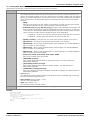
8.4 Mailbox Access Methods
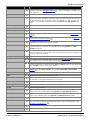
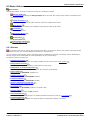
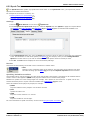
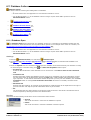
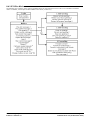
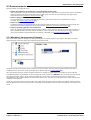
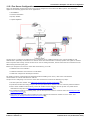
Mailbox owners can access their mailbox and messages in a number of ways:
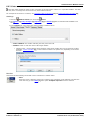
· Standard IP Office Mailbox Mode 204
Voicemail Pro can also be set to run in this mode rather than Intuity emulation mode.
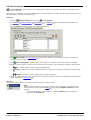
· Intuity Mailbox Mode 203
This is the default mode for Voicemail Pro. It provides through a series of spoken prompt menus an IP Office
emulation of many of the Avaya Intuity features.
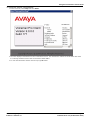
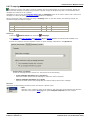
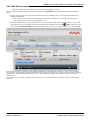
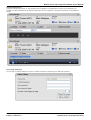
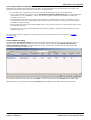
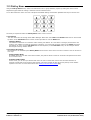
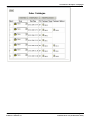
· Visual Voice 206
This is a system of display menus rather than spoken prompts that can be used to access a mailbox.
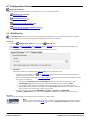
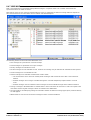
· one-X Portal for IP Office 205
Using the voicemail profile in one-X Portal for IP Office application, a user can switch voicemail and voicemail
ringback on/off. The one-X Portal for IP Office application also provides full visual access to a user's voicemail and
the users can play back and control messages through their computers.
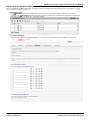
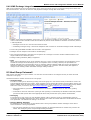
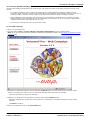
· UMS Web Voicemail 207
Using this method, users can access their mailboxes using a web browser. The user must be configured for UMS.
The feature is licensed.
· UMS IMAP E-mail Access 210
Using this method, users can access mailbox messages through an IMAP compatible e-mail program. The user
must be configured for UMS. The feature is licensed.
· UMS Exchange
UMS Exchange provides a playback through a computer using Microsoft Outlook.
Administering Avaya IP Office™ Platform Voicemail Pro
IP Office™ Platform 9.1
Page 201
15-601063 Issue 10c (09 December 2014)