1
Voicemail Pro Examples: Database Connection
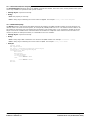
Speak Book Title
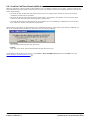
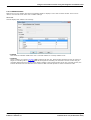
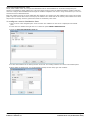
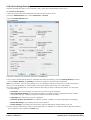
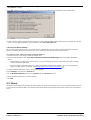
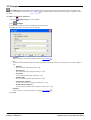
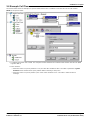
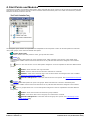
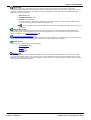
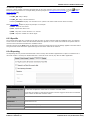
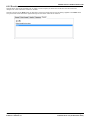
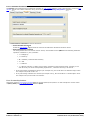
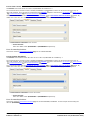
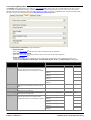
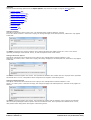
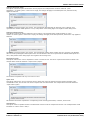
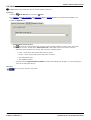
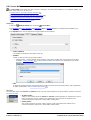
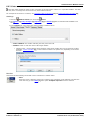
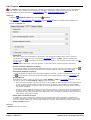
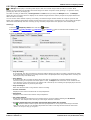
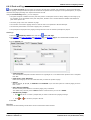
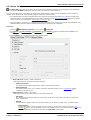
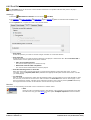
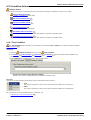
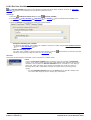
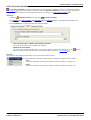
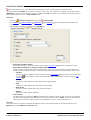
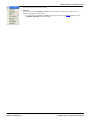
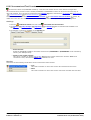
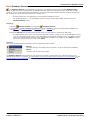
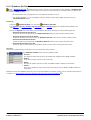
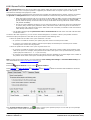
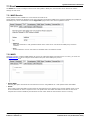
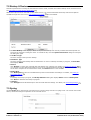
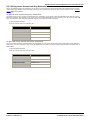
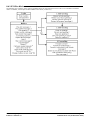
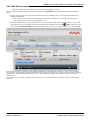
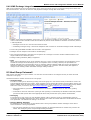
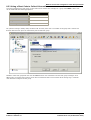
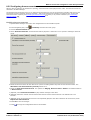
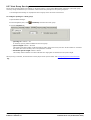
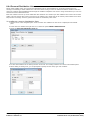
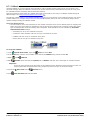
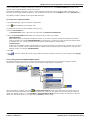
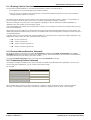
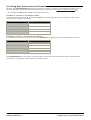
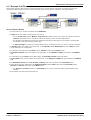
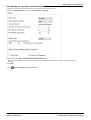
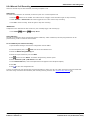
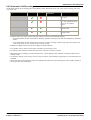
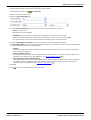
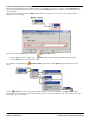
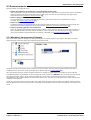
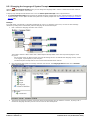
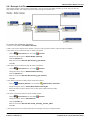
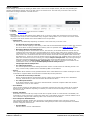
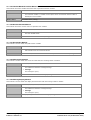
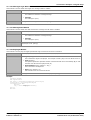
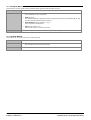
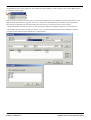
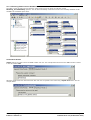
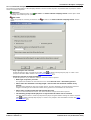
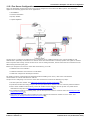
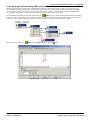
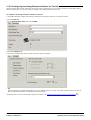
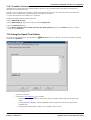
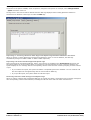
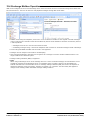
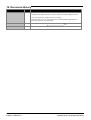
The Speak Book Title action is used to tell the caller the book title associated with the ISBN that was entered.
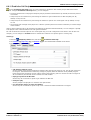
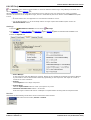
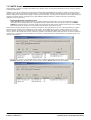
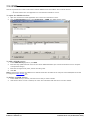
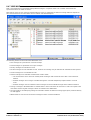
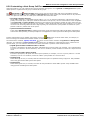
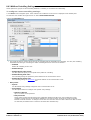
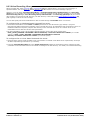
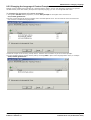
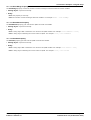
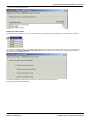
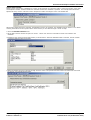
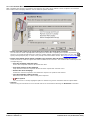
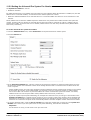
The fields selected in the 'Request ISBN from DB' action contain the information retrieved from the bookshop database.
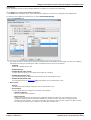
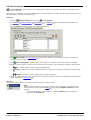
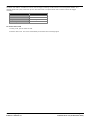
The fields selected were Author, Cost, ISBN and Title.
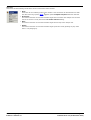
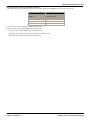
Any fields selected in a query will be displayed in the alphabetical order.
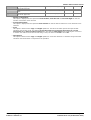
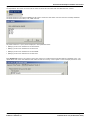
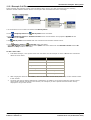
· $DBD[0] would return details from the field Author
· $DBD[1] would return details from the field Cost
· $DBD[2] would return details from the field ISBN
· $DBD[3] would return details from the field Title.
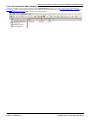
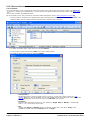
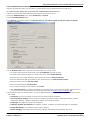
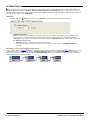
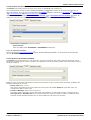
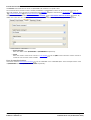
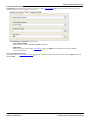
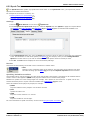
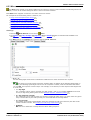
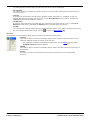
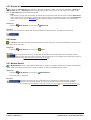
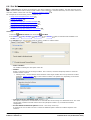
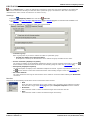
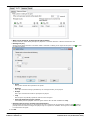
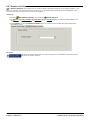
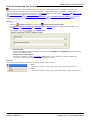
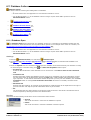
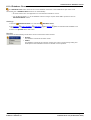
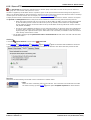
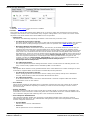
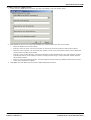
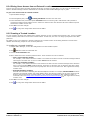
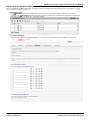
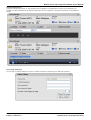
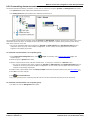
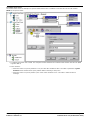
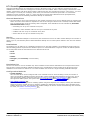
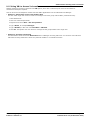
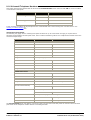
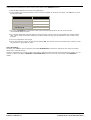
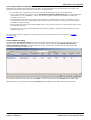
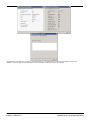
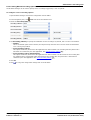
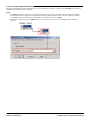
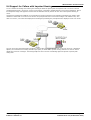
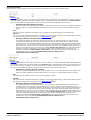
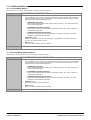
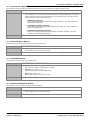
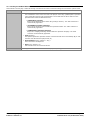
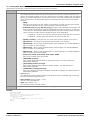
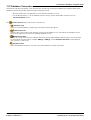
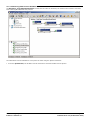
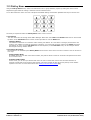
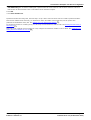
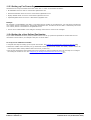
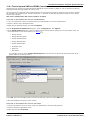
Each Speak Text action in the call flow returns the values from a different field selected within the database query. The
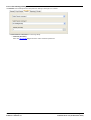
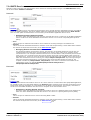
'Speak Book Cost' action has additional text added so that the currency can be spoken. In this example pounds are used.
Administering Avaya IP Office™ Platform Voicemail Pro
IP Office™ Platform 9.1
Page 331
15-601063 Issue 10c (09 December 2014)