1
•
Consent page URL (Optional Filtering)
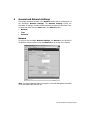
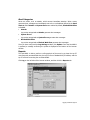
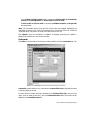
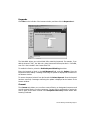
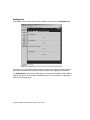
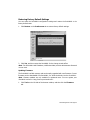
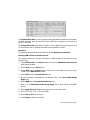
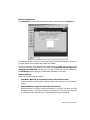
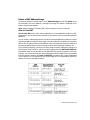
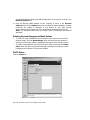
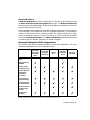
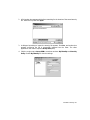
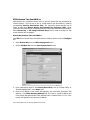
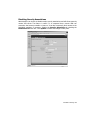
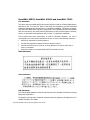
When a user opens a Web browser on a computer requiring consent, they are shown
a consent page and given the option to access the Internet with or without content
filtering. An example of this page is shown below:
You must create this Web (HTML) page. It can contain the text from, or links to an
Acceptable Use Policy (AUP).
This page must contain links to two pages contained in the SonicWALL, which, when
selected, tell the SonicWALL if the user wishes to have filtered or unfiltered access. The
link for unfiltered access must be <192.168.168.168/iAccept.html> and the link for
filtered access must be <192.168.168.168/iAcceptFilter.html>, where the SonicWALL
LAN IP Address is used instead of "192.168.168.168".
•
“Consent Accepted” URL (Filtering Off)
When a user accepts the terms outlined in the Consent page and chooses to access
the Internet without the protection of Content Filtering, they are shown a Web page
confirming their selection. Enter the URL of this page in the “Consent Accepted”
(Filtering Off) field. This page must reside on a Web server and be accessible as a
URL by users on the LAN.
Content Filtering and Blocking Page 59