1
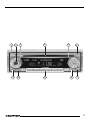
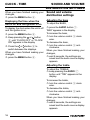
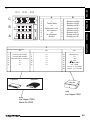
➮ keep pressing the AUDIO 7
➮ keep pressing the AUDIO 7
button until “BAL” appears in the
display.
To move the volume distribution toward
the right,
➮ turn the volume control 3 clockwise.
To move the volume distribution toward
the left,
➮ turn the volume control 3 anticlockwise.
When you have finished making your
changes,
➮ wait 8 seconds, the settings are
saved and the audio source display
appears.
button until “FAD” appears in the
display.
To move the volume distribution toward
the back,
➮ turn the volume control 3 clockwise.
To move the volume distribution toward
the front,
➮ turn the volume control 3 tanticlockwise.
When you have finished making your
changes,
➮ wait 8 seconds, the settings are
saved and the audio source display
appears.
17
FRANÇAIS
To adjust the front/back volume distribution (fader),
ESPAÑOL
Adjusting the fader settings
To adjust the left/right volume distribution (balance),
PORTUGUÊS
Adjusting the balance settings
ENGLISH
SOUND AND VOLUME
DISTRIBUTION SETTINGS