1
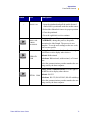
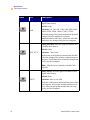
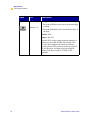
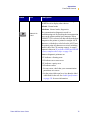
Appendixes Troubleshooting &DXVH 6ROXWLRQ Media Sensor does not match labels. Using the front panel controls, check the sensor type to ensure that the correct one is used for the labels loaded. Calibrate the printer. (UURU&RQGLWLRQ²+HDG2SHQ &DXVH 6ROXWLRQ The printhead is not fully closed. Close the printhead. (UURU&RQGLWLRQ²+HDG(OHPHQW%DG ! Important • Does not apply to the 110XiIIIPlus printers. &DXVH 6ROXWLRQ One or more of the printhead elements If the failed elements affect your printing has failed the printhead element test. application, replace the printhead. To override this error, disable the head test count feature on the front panel by defaulting the value to 0000. See Front Panel Controls on page 54. :DUQLQJ²5LEERQ,Q &DXVH 6ROXWLRQ The ribbon is loaded. Remove the ribbon and set the printer to Direct Thermal Mode. Ensure that the printer driver and/or software settings are correctly set (if applicable). 124 Zebra XiIIIPlus Users Guide