1
Preface
Document Conventions
'RFXPHQW&RQYHQWLRQV
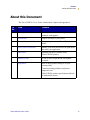
The following conventions are used throughout this document to convey certain
information:
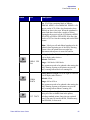
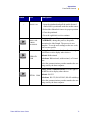
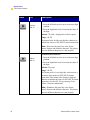
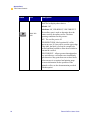
About this Chapter Sections This section lists and describes each main section
of the chapter, including the initial page number of that section. These sections
primarily serve as hyperlink components for the Adobe Acrobat.pdf version of this
guide.
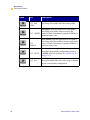
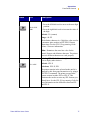
Alternate Color (online only) Cross-references contain hot links to other sections in
this guide. If you are viewing this guide online in .pdf format, you can click the
cross-reference (blue text) to jump directly to its location.
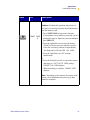
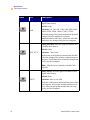
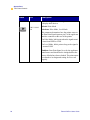
Command Line Examples All command line examples appear in Courier font.
For example, you would type the following to get to the Post-Install scripts in the bin
directory:
Ztools
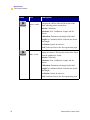
Files and Directories All file names and directories appear in Courier New
font. For example, the Zebra<version number>.tar file and the /root
directory.
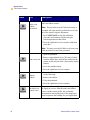
Caution, Note and Example
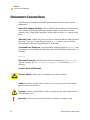
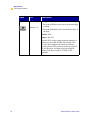
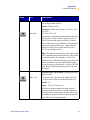
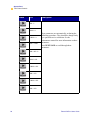
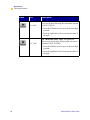
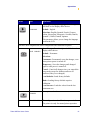
Electric Shock • Warns you of a potential electric shock situation.
Caution • Advises you that failure to take or avoid a specific action could result in
physical harm to the hardware.
Caution • Advises you that failure to take or avoid a specific action could result in
physical harm to you.
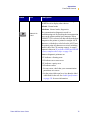
!
viii
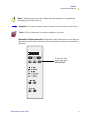
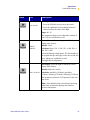
Important • Advises you of information that is essential to complete a task.
Zebra XiIIIPlus Users Guide