1
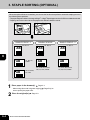
3. STAPLE SORTING (OPTIONAL)
1
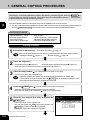
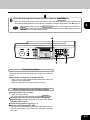
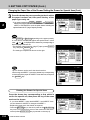
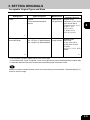
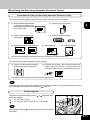
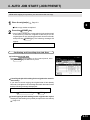
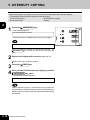
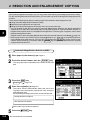
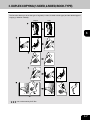
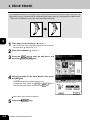
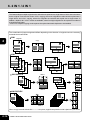
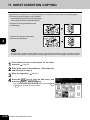
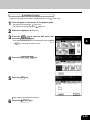
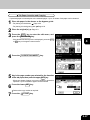
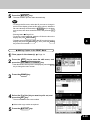
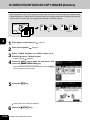
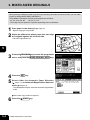
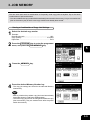
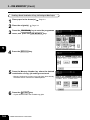
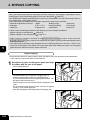
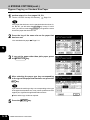
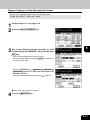
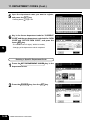
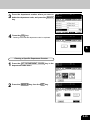
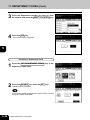
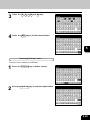
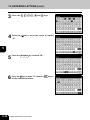
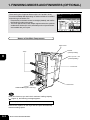
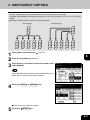
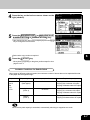
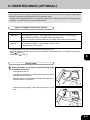
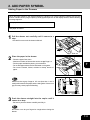
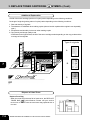
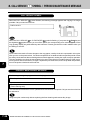
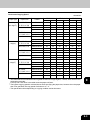
When the optional finisher is installed, you can use the function that performs automatic stapling at one of
the following three positions.
* The paper weight should be in the range of 60g/m2 - 105g/m2 Special paper such as OHP films or labels is excluded.
* Stapling cannot be worked when the papers with different width are mixed.
2
AB
3
4
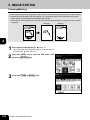
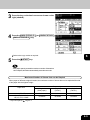
SINGLE STAPLE - 1
DOUBLE STAPLE
A4, B5, LT
A4, B5, LT
AB
5
SINGLE STAPLE - 2
A4, B5, LT
AB
AB
AB
AB
6
AB
A3, B4, LD,
COMP
7
A3, A4-R, B4, FOLIO,
LD, LG, LT-R, COMP
AB
8
A4-R, FOLIO,
LG, LT-R
9
10
1
11
2
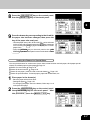
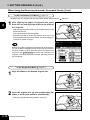
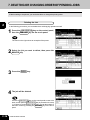
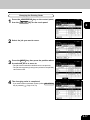
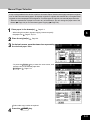
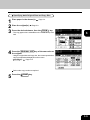
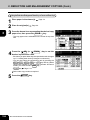
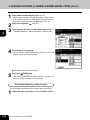
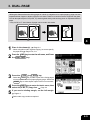
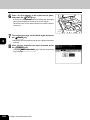
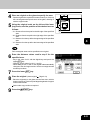
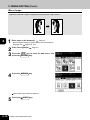
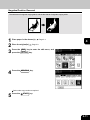
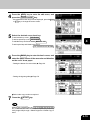
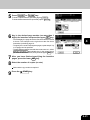
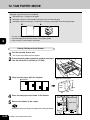
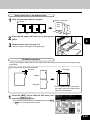
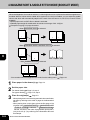
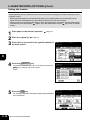
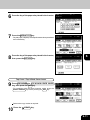
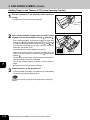
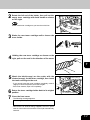
Place paper in the drawer(s).
- When using this mode in bypass copying (
sure to specify the paper size.
Place the original(s).
12
6-4
Page 2-4
SELECTING FINISHING MODES
Page 2-9
Page 5-8), be
A3, A4-R, B4, FOLIO,
LD, LG, LT-R, COMP