1
Tally T8006e Color Laser Printers User Guide
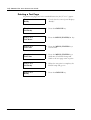
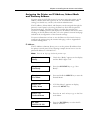
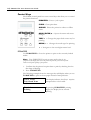
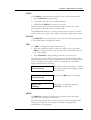
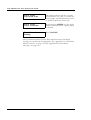
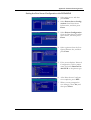
Printing a Test Page
To print a test page, use A4 or standard letter-size (8-1/2” x 11”) paper.
20
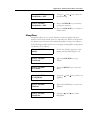
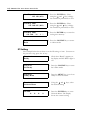
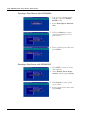
Tray 1: A4
Ready
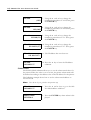
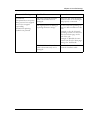
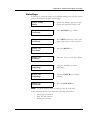
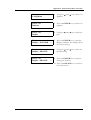
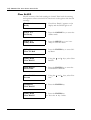
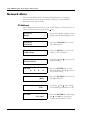
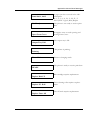
1. Check that the control panel displays
“Ready.”
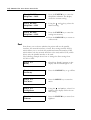
Tray 1: A4
Not Ready
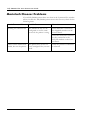
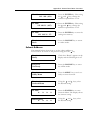
2. Press the ONLINE key.
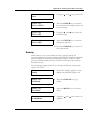
Tray 1: A4
Test Menu
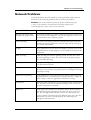
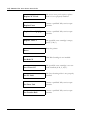
3. Press the MENU/ENTER/
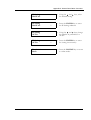
Tray 1: A4
Test Print
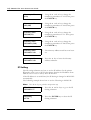
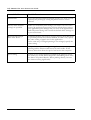
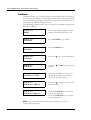
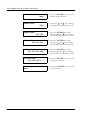
4. Press the MENU/ENTER key a
second time.
Tray 1: A4
Test Print
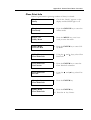
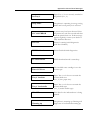
5. Press the MENU/ENTER key a
third time. The DATA lamp will
blink as the test page starts to print.
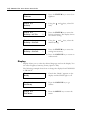
Tray 1: A4
Not Ready
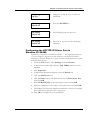
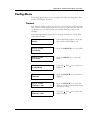
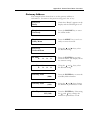
6. When the test print is complete, the
DATA lamp will go out.
Tray 1: A4
Ready
7. Press the ONLINE key.
key.