1
Contents
Important Information ..............................................................................................i
Warnings and Cautions ....................................................................................i
1
Introduction ........................................................................................................... 1
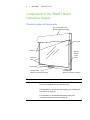
Components of the SMART Board Interactive Display................................... 2
Interactive Display Requirements ................................................................... 6
2
Installing the Interactive Display............................................................................ 7
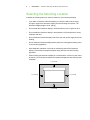
Selecting the Mounting Location..................................................................... 8
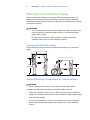
Mounting the Interactive Display..................................................................... 9
3
Setting Up the Interactive Display ....................................................................... 11
Making Power and Computer Connections .................................................. 12
Installing SMART Software........................................................................... 13
Enabling the Pencil ....................................................................................... 15
Enabling the Wireless Remote Control......................................................... 16
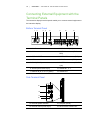
Connecting External Equipment with the Terminal Panels........................... 18
4
Using the Interactive Display............................................................................... 21
Turning the Interactive Display On and Off................................................... 22
Using the Touch Interactive Screen.............................................................. 23
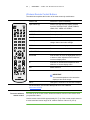
Using the Wireless Remote Control.............................................................. 23
5
Troubleshooting .................................................................................................. 29
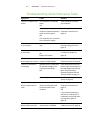
Troubleshooting Quick Reference Table ...................................................... 30
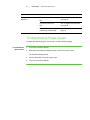
Troubleshooting Power Issues ..................................................................... 31
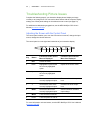
Troubleshooting Picture Issues .................................................................... 32
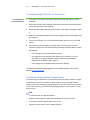
Troubleshooting Audio Issues ...................................................................... 35
Troubleshooting with the Wireless Remote Control Sensor LED ................. 35