1
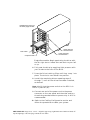
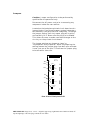
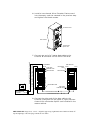
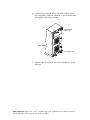
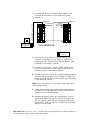
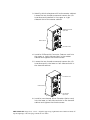
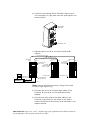
13 After setting the cabinet identifications you must
power cycle the subsystems. Observe normal power
cycling precautions by waiting a minimum of five
seconds before adding power again.
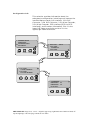
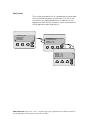
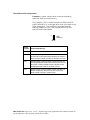
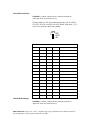
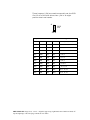
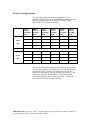
This will reset the SCSI IDs to a default setting that
prevents a SCSI ID conflict under normal conditions,
refer to “Default Configurations” later in this
section.
14 Power up your computer system and run the
configuration program.
This completes the setup and configuration.
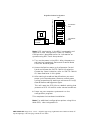
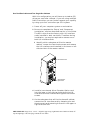
T w o Du al -Bu s Cab i n ets
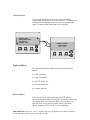
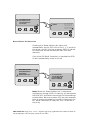
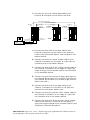
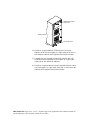
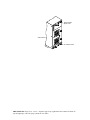
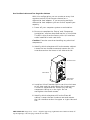
With this configuration you will have up to eight (8)
disk drives per controller channel. If you use multiple
differential host adapters you can further expand your
capacity.
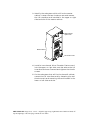
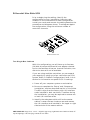
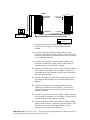
1 Power off your computer system or workstation.
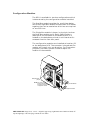
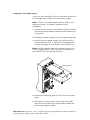
2 Be sure to complete the “Setup” and “Component
Installation” sections earlier in this Guide. The DEU
ships from the factory with I/O Interface cards
installed in both card slots. Therefore during the
installation, you may be required to remove one or
both I/O Interface cards.
PRINTER NOTE: Page size 9” x 9.25”. Align this page to top, right hand corner. Back box bleeds off
top and right edge. Left side of page extends to 9.25 inches.