1
Connection with Power
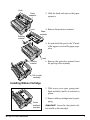
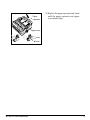
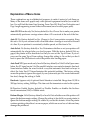
1. Make sure both printer and computer
are OFF.
2. Plug power cord into back of printer.
Plug other end into grounded outlet.
Power cord
Socket
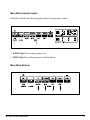
3. Turn printer on. Printhead will cross
back and forth along platen, and
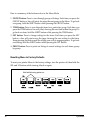
POWER light will come on. ALARM
light will also come on, but don’t be
concerned: it’s just telling you that there
is no paper loaded.
Power light
Alarm light
You’re now ready to load paper—proceed
to Chaper2.
8
Installation